
7 Powerful AI Prompts for Fashion Portfolio That Land Interviews
If you’re a fashion design student staring at a blank portfolio page at 1 a.m., you already know the problem: talent isn’t the bottleneck, time is. Between sketching collections, prepping for critiques, and somehow also having a life, building a portfolio that actually gets you noticed by recruiters feels like a second full-time job. That’s exactly where the right AI prompts for fashion portfolio creation come in — not to replace your creative voice, but to speed up the unglamorous 80% of portfolio work so you can spend your energy on the 20% that actually shows off your talent.
This guide picks up where our earlier piece, How Fashion Design Students Can Build a Portfolio, left off. That article covered what a strong student portfolio needs. This one is the how-to: seven concrete, tested AI prompts for fashion portfolio and resume building, each with a copy-paste-ready hack and a walkthrough on exactly how to apply it, whether you’re using ChatGPT, Claude, Midjourney, Canva’s AI tools, or Adobe Firefly.
By the end, you’ll have a repeatable system for turning rough sketches, half-finished collections, and a scattered work history into a cohesive, hiring-manager-ready portfolio and resume—using AI portfolio prompts you can reuse every semester.
Why Fashion Students Are Turning to AI for Portfolio Building
Fashion school teaches you to design; it rarely teaches you to package that design for a hiring manager who spends about eight seconds on each portfolio page. That gap is where most AI prompts for fashion portfolio work earns its keep. Used well, AI doesn’t design for you — it removes friction. It helps you articulate why a collection exists, tighten a resume line that’s been sitting there since freshman year, or generate a dozen mood-board directions in the time it would take to pin one Pinterest board.
Tools like Canva’s Magic Design, Adobe Firefly, and general-purpose assistants such as ChatGPT or Claude are increasingly part of the standard student toolkit, alongside Illustrator and Procreate. The goal of this article is to give you AI prompts for fashion portfolio building that are specific enough to use today, not vague “use AI to help” advice.
One important boundary before we dive in: none of these prompts are about faking work you didn’t do. They’re about presenting real design work — your sketches, your fabric choices, and your construction decisions—more clearly and more professionally. If you’re weighing where the ethical line sits, our student portfolio guide covers that in more depth.
Hack 1: The Portfolio Narrative Prompt
Every strong portfolio has a spine — a sentence or two that tells a recruiter what kind of designer you are before they’ve even flipped a page. Most students skip this because it’s genuinely hard to write about your own work objectively. This is the single highest-leverage use of AI prompts for fashion portfolio narrative building.
The prompt:
“I am a fashion design student. Here is a list of my collections and projects: [paste brief descriptions]. Based on these, help me identify 2–3 recurring themes in my design perspective (e.g., sustainability, structural silhouettes, color theory, cultural heritage). Then write three short portfolio introduction paragraphs (60–80 words each) in a confident, human, non-generic tone, each emphasizing a different theme.”
How to Apply This AI Prompts for Fashion Portfolio
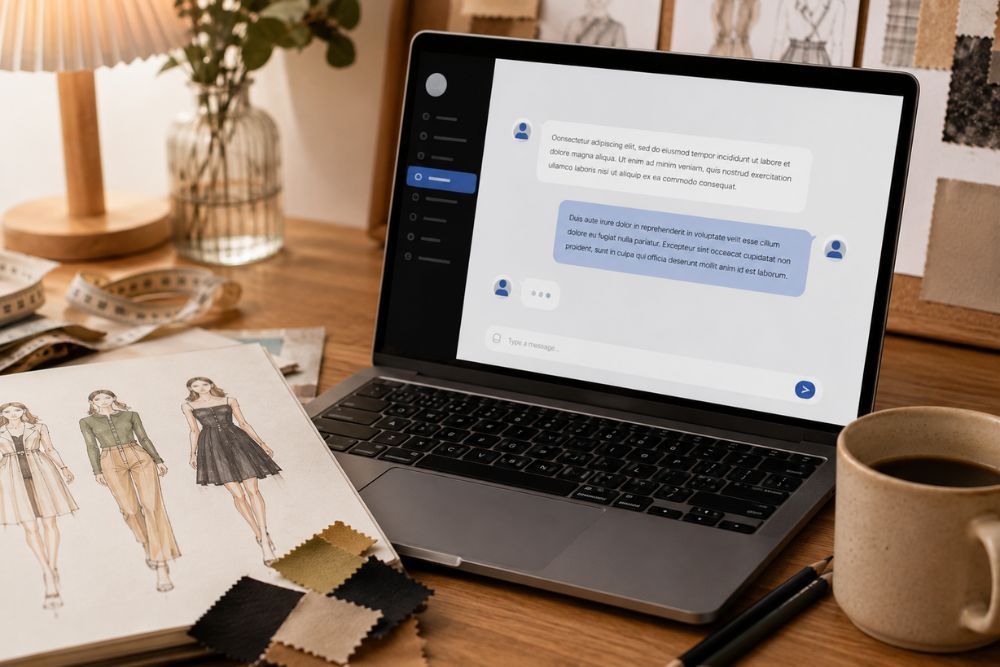
- List every project you’ve done in the last 1–2 years in plain language—no jargon, just what you made and why.
- Paste that list into ChatGPT or Claude with the prompt above.
- Read the three generated intros side by side. You’re not looking for a paragraph to copy-paste; you’re looking for the theme that keeps surfacing. That’s your portfolio’s throughline.
- Rewrite the winning paragraph in your own voice — swap in specific details (a fabric, a silhouette, a moment that sparked the idea) that only you would know. This step is non-negotiable for keeping the writing human rather than AI-generic.
- Place this paragraph on your portfolio’s landing page or cover slide, above the fold.
Hack 2: The Collection Concept Expander Prompt
Recruiters and admissions panels want to see design thinking, not just finished garments. If your concept statement is currently one thin sentence, this is exactly the kind of gap AI prompts for fashion portfolio building are best at closing.
The prompt:
“Here is my collection concept: [describe it in 2–3 sentences]. Ask me five clarifying questions about the inspiration, silhouette direction, fabric choices, color palette, and target customer, one at a time, so I can build out a full concept statement.”
How to Apply This AI Prompts for Fashion Portfolio
- Feed the AI your rough concept and let it interrogate you — answering its questions, one at a time, forces out details you know intuitively but haven’t written down.
- Once you’ve answered all five, ask it to compile your answers into a structured concept statement with headers: Inspiration, Silhouette, Fabric & Texture, Palette, Customer.
- Trim the AI’s phrasing back to your natural voice—you are answering; this is a scaffolding exercise, not a ghostwriting one.
- Place the finished concept statement directly opposite your collection’s hero image so a recruiter reads intent and image together.
Hack 3: The Mood Board Prompt
A mood board that’s just aesthetically pleasing doesn’t do much work in a portfolio. A mood board that visibly connects to your final garments does. AI prompts for fashion portfolio mood boards work best when you treat the AI as a research assistant, not a decorator.
The prompt:
“I’m designing a collection inspired by [theme/era/culture/emotion]. Suggest 8 distinct visual reference categories I should research for a mood board (e.g., architecture, historical costume, color studies, texture, subculture, art movement). For each category, suggest 2 specific, real, searchable reference points I can look up.”
How to Apply This AI Prompts for Your Fashion Portfolio
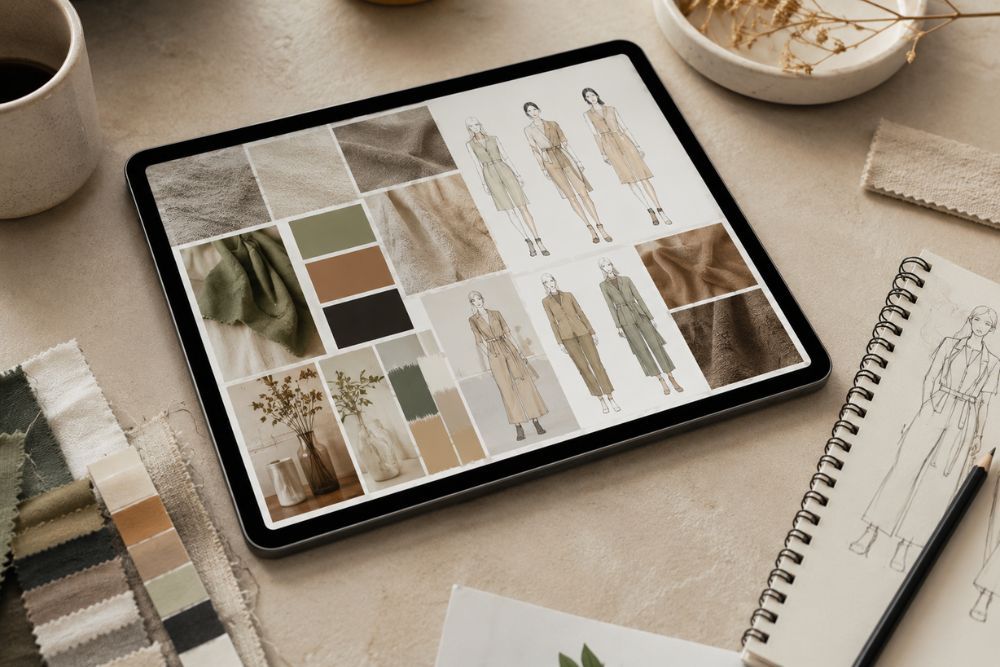
- Run the prompt and use the categories as a research checklist rather than a shortcut — actually look up the references it suggests. This is where AI prompts for fashion portfolio research earns its keep: it points you toward references you’d never have thought to search for.
- Source real images (photography, archival fashion, textiles) for each category from museums, stock libraries like Unsplash, or your own photos — Google Arts & Culture is a strong free source for historical costume and textile references. Avoid pulling copyrighted editorial photography directly into a published portfolio without a license.
- Arrange the board so each image visibly maps to a design decision — a slide note like “informed the raglan sleeve” does more work than the image alone.
- For a published portfolio page (blog, website, PDF), consider recreating one or two mood-board visuals as original AI-generated art (see Hack 4) so you’re not relying on other photographers’ copyrighted work.
- If you want more AI-generated fashion reference ideas, explore our guide to AI Fashion Prompts for Students.
Hack 4: The AI Fashion Model Visualization Prompt
This is where AI prompts for fashion portfolio visualization gets genuinely useful for students who can’t afford a photoshoot yet. You can generate original, copyright-clean fashion visuals to mock up how a design might look styled and shot — useful for lookbooks, pitch decks, or filling gaps before you can commission real photography.
The prompt (for Midjourney, Firefly, or DALL·E):
“Editorial fashion photograph, original design, [garment description: silhouette, fabric, color], studio lighting, minimalist background, full-body shot, professional fashion editorial style, no text, no logos, no branding, photorealistic.”
How to Apply This AI Prompts for Fashion Portfolio
- Be exact about garment details — silhouette, fabric texture, closures, hemline — since vague prompts produce generic results. For more detailed prompt-writing techniques, see our guide on How to Write AI Fashion Prompts.
- Explicitly add “no logos, no branding, no text” to every prompt to keep output brand-safe and AdSense-compliant.
- Never reference a real celebrity, influencer, or named model in the prompt — always generate an original, unnamed AI figure.
- Generate 4–6 variations, then pick the one or two that most clearly communicate the garment’s construction, not just its vibe. You can also explore our collection of AI Fashion Photography Prompts for additional editorial concepts.
- Label these clearly in your portfolio as concept visualizations, not photography—transparency here builds credibility with recruiters, who increasingly expect to see AI-assisted work and respect honesty about process.
Hack 5: The Resume Bullet Rewriter Prompt
Your design skills might be sharp, but if your resume reads like a generic retail job description, it undersells you. This is the most immediately useful of all the AI prompts for fashion portfolio and resume pairing.
The prompt:
“Rewrite this resume bullet point for a fashion design role. Make it specific, results-oriented where possible, and free of clichés like ‘team player’ or ‘hard worker.’ Keep it under 20 words. Here’s the original: [paste bullet].”
How to Apply This AI Prompts for Fashion Portfolio
- Take your weakest, vaguest bullet points first — usually internships or part-time retail roles you’re unsure how to frame.
- Feed each one through the prompt individually rather than the whole resume at once; you get sharper, more specific rewrites this way.
- Cross-check every rewritten bullet against what actually happened. Never let the AI invent a metric or outcome you can’t back up in an interview.
- Group your final bullets under skill-based headers (Technical Skills, Design Process, Collaboration) rather than just job titles — it reads faster for a recruiter skimming a stack of resumes.
Hack 6: The Portfolio Layout & Sequencing Prompt
Even excellent individual pages can undercut each other if the sequencing is off. This hack uses AI as a structural editor.
The prompt:
“Here is the order of pages/projects in my fashion portfolio: [list them in current order]. Act as a portfolio reviewer for fashion design internships. Suggest a better sequence, explaining the reasoning — where should my strongest work sit, and why?”
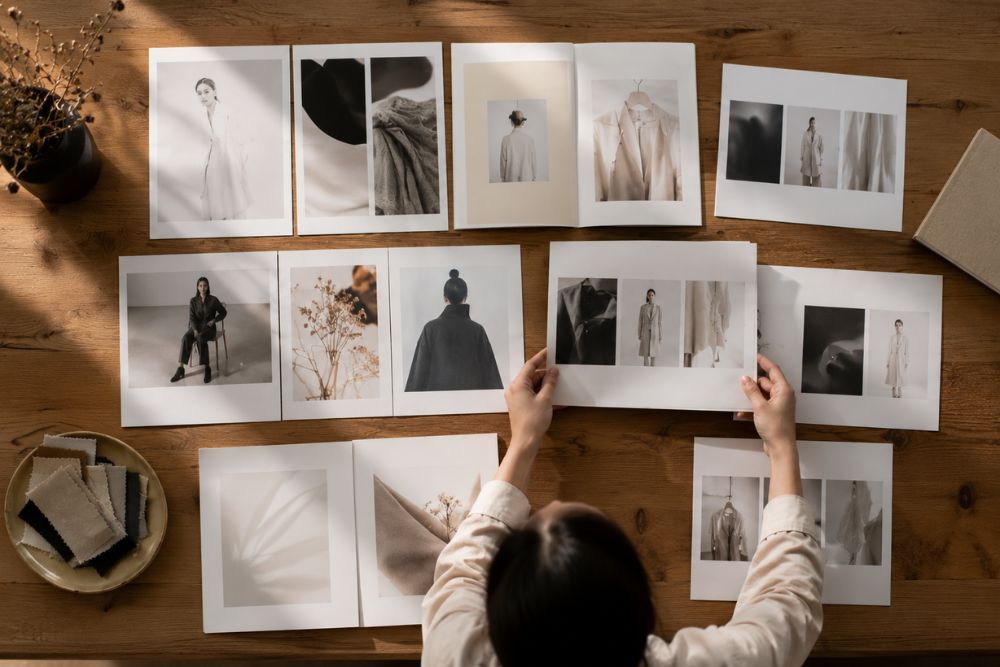
How to Apply This AI Prompts for Fashion Portfolio
- List every section of your current portfolio in order, including cover, about, and each project.
- Ask the AI to reorder with reasoning — most reviewers recommend opening and closing on your two strongest projects, since attention peaks at the start and the end.
- Apply only the changes whose reasoning actually makes sense for your specific work; don’t blindly follow a template.
- Re-check pacing: alternate dense process pages (sketches, research) with clean visual pages (final garment shots) so the portfolio doesn’t feel monotonous.
Hack 7: The Recruiter-Eye Critique Prompt
This is the final quality-control pass before you hit publish or submit — using AI to simulate the skim-read a busy recruiter actually gives your work.
The prompt:
“You are a fashion brand recruiter reviewing portfolios for an entry-level design assistant role. You have 90 seconds per portfolio. Here is a description of my portfolio’s content and structure: [describe it]. What would stand out positively? What would make you skip to the next candidate?”
How to Apply This AI Prompts for Fashion Portfolio
- Describe your portfolio honestly, including weak spots — the AI’s feedback is only as useful as your input is complete.
- Pay closer attention to the “what would make you skip” answers than the compliments; that’s where the actionable fixes live.
- Prioritize fixes that affect the first 90 seconds — cover page, first project thumbnail, resume clarity — before polishing deeper pages.
- Repeat this critique after every major portfolio update, since a five-minute AI review catches blind spots a tired student eye misses.
Putting It All Together: A Sample Workflow
A realistic week-before-deadline workflow using these AI prompts for fashion portfolio in sequence:
- Day 1: Run Hack 1 to nail your portfolio narrative.
- Day 2: Run Hack 2 on your two strongest collections to deepen the concept statements.
- Day 3: Build or refresh mood boards with Hack 3, sourcing real references.
- Day 4: Generate 1–2 concept visualizations with Hack 4 for any collection missing final photography.
- Day 5: Rewrite your resume bullets with Hack 5.
- Day 6: Reorder the full portfolio using Hack 6.
- Day 7: Run the final critique with Hack 7 and fix what surfaces.
Used this way, AI prompts for fashion portfolio building compress what’s normally a month of scattered effort into a focused week — without the finished product feeling AI-written, because every prompt above is designed to produce raw material you then edit in your own voice.
Final Thoughts
None of these seven hacks are about handing your portfolio over to an algorithm. Every one of them still needs your judgment at the end — checking that a rewritten resume bullet is actually true, deciding which theme from Hack 1 genuinely reflects your design perspective, and picking the mood-board reference that means something to you. What AI prompts for fashion portfolio building actually does is take the blank-page problem off your plate, so the hours you do spend go toward decisions only you can make, not toward staring at an empty document at midnight.
Start small. Pick one hack — the resume rewriter in Hack 5 is the fastest place to see a difference — and run it on your weakest section this week. Once you see how much a single focused prompt sharpens your work, the rest of the workflow gets a lot easier to commit to before your next application deadline.
Staying Google & AdSense-Friendly with AI Images
f you’re publishing this workflow (or your portfolio itself) as a blog or website, image compliance matters for both SEO and monetization. Google’s AdSense content policies and Google’s image guidelines both look at this closely, and fashion imagery is a category that gets flagged more often than most.
This is the one area where AI prompts for fashion portfolio creators can’t afford to cut corners. Keep every AI-generated fashion image to these rules:
- Original AI-generated models only — no real people, no celebrity likenesses, no named influencers in prompts. Naming a real person in an image prompt, even a stylistic reference like “in the style of [celebrity],” can trigger both copyright and personality-rights issues, and AdSense review treats likeness-based content as higher risk regardless of intent.
- No copyrighted logos or brand marks — always add “no logos, no branding, no text” to image prompts. Generative models will sometimes hallucinate a plausible-looking logo on a garment even without being asked; adding the negative instruction explicitly reduces (though doesn’t fully eliminate) this, so it’s worth a visual double-check before publishing.
- No revealing or suggestive content — keep all generated fashion imagery editorial and fully clothed, appropriate for a general audience. This matters even for swimwear or lingerie-adjacent design categories: frame prompts around garment construction and styling rather than pose or body emphasis.
- Descriptive, keyword-rich alt text on every image without keyword-stuffing. Alt text should describe what’s actually in the frame first, and work the focus keyword in only where it fits naturally — alt text stuffed with repeated keywords reads as spam to both screen readers and Google’s image indexing.
- Compressed file sizes (under ~200KB where possible) for page-speed, which affects both SEO ranking and AdSense approval. AI image generators typically output large PNGs; convert to compressed WebP or JPEG before uploading.
Before/after prompt example:
- ❌ Risky: “Fashion model in Chanel-inspired tweed jacket, pose like a Vogue cover shoot” — references a real brand and implies a copyrighted editorial style.
- ✅Compliant: “Original AI-generated model, structured tweed jacket with gold-tone buttons, studio lighting, editorial fashion photography style, no logos, no branding, no text, fully “clothed”—describes the garment on its own terms instead of borrowing a brand’s identity.
FAQ
Q: Will using AI prompts for a fashion portfolio make it look generic?
Not if you treat AI output as a draft, not a final answer. The prompts above are structured to pull specific details out of you rather than generate generic filler—the human editing step is what keeps the final portfolio distinct.
Q: Is it okay to disclose AI use to recruiters?
Yes, and increasingly it’s expected. Being clear that concept visuals are AI-assisted while your design work is your own builds trust rather than undermining it.
Q: Which AI tool is best for fashion portfolio writing versus images?
Text-based assistants (ChatGPT, Claude) work well for narrative, concept statements, and resume writing. Image tools (Midjourney, Adobe Firefly, DALL·E) are better suited for mood boards and concept visualizations. Most students end up using both.
Q: Can I use AI-generated fashion images in a published, monetized blog?
Yes, provided the images are original (no copied artwork), avoid real people or copyrighted logos, and aren’t sexually suggestive — the same standards outlined in the compliance section above.
Q: How many AI prompts for fashion portfolio building do I actually need to use?
Even just Hacks 1, 5, and 7 — narrative, resume, and final critique — will meaningfully improve most student portfolios. Treat the rest as optional depending on your timeline.
Q: Where should I go next to build the rest of my portfolio?
Pair this how-to guide with our companion piece on fashion student portfolio fundamentals, which covers structure, project selection, and what recruiters look for beyond the writing and visuals covered here.