
AI Avant-Garde Fashion Prompts: 7 Powerful Hacks for Bold, Gallery-Worthy Looks
AI avant-garde fashion prompts are quickly becoming the fastest way for designers, stylists, and digital artists to visualize ideas that would be impossible — or wildly expensive — to produce in real life. If you’ve ever typed a fashion idea into an AI image generator and gotten back something flat, generic, or just plain boring, the problem usually isn’t the tool. It’s the prompt.
I’ve spent a lot of time testing AI avant-garde fashion prompts across different generators, and the pattern is almost always the same: the images that fall flat describe clothing, while the images that stop you mid-scroll describe an idea. This guide walks through seven practical, tested hacks for writing prompts like these that actually produce striking, editorial-quality results, plus a full FAQ section answering the questions creators ask most. Whether you’re building a lookbook, a portfolio piece, or just experimenting for fun, these hacks will save you dozens of wasted generations.
What Are AI Avant-Garde Fashion Prompts?
AI avant-garde fashion prompts are text instructions written specifically to push an image generator toward conceptual, boundary-pushing fashion imagery rather than commercial or catalog-style shots. Where a standard fashion prompt might describe “a model wearing a red dress,” an avant-garde version describes an idea — decay, architecture, technology, nature reclaiming form—expressed through clothing that couldn’t necessarily be sewn in real life.
This distinction matters because AI models respond to specificity. Vague prompts produce generic output. Prompts that name materials, describe physics-breaking movement, and reference a clear visual mood consistently outperform prompts that just describe “cool” or “edgy” clothing in the abstract.
It also helps to understand what the genre borrows from. Real-world avant-garde fashion—think Iris van Herpen’s 3D-printed sculptures or Comme des Garçons’ lumps-and-bumps silhouettes—has always treated the body as a canvas for ideas rather than a form to be flattered. This style of prompt inherits that same instinct: the garment exists to communicate a concept, and the more clearly your prompt states that concept, the more coherent the resulting image will be.
If you’re new to the genre, it helps to study real-world reference points first. Vogue Business regularly covers how avant-garde design houses translate concept into runway pieces, and the Wikipedia entry on avant-garde fashion is a solid primer on the movement’s history if you want context before you start prompting. Even ten minutes of scrolling through real runway archives will give you a much richer vocabulary to draw from than starting with a blank page.
Why AI Avant-Garde Fashion Prompts Work Differently Than Standard Prompts {#why-they-work-differently}
Most fashion prompting advice is written for commercial photography—clean product shots, wearable silhouettes, and flattering lighting. These prompts operate under different rules because the goal isn’t realism or wearability. It’s visual impact.
That changes how you should think about word choice. Commercial prompts reward restraint. Avant-garde prompts reward specificity and controlled exaggeration—describing a dress “mid-explosion,” a bodice “carved from ice,” or a train “dissolving into smoke.” AI image generators like Midjourney and tools built on OpenAI’s DALL·E tend to respond well to this kind of vivid, sensory language precisely because it gives the model less room to default to generic output.
That changes how you should think about word choice. Commercial prompts reward restraint. Avant-garde prompts reward specificity and controlled exaggeration—describing a dress “mid-explosion,” a bodice “carved from ice,” or a train “dissolving into smoke.” AI image generators like Midjourney and tools built on OpenAI’s DALL·E tend to respond well to this kind of vivid, sensory language precisely because it gives the model less room to default to generic output.
There’s also a compositional difference worth noting. Commercial fashion prompts usually center the garment in a neutral, evenly lit frame so the product reads clearly. This style of prompt tends to benefit from more dramatic staging—hard shadows, asymmetrical framing, unconventional camera angles—because the composition itself is part of the concept, not just a way of showing off the clothes.
Understanding this distinction is the foundation for everything that follows. Once you accept that this is a different discipline from standard prompting, the seven hacks below start to make a lot more sense.
Hack 1: Lead With Concept, Not Clothing
The single biggest mistake people make here is starting with the garment (“a black gown”) instead of the idea behind it (“a gown that looks like it’s being consumed by shadow”). Concept-first prompts give the model a throughline to build every other detail around—fabric, lighting, pose, even facial expression.
How to Apply It
Before you write a single word of your prompt, answer one question: what is this outfit actually about? Decay? Rebirth? Machinery invading the organic? Once you know the concept, the garment description almost writes itself.
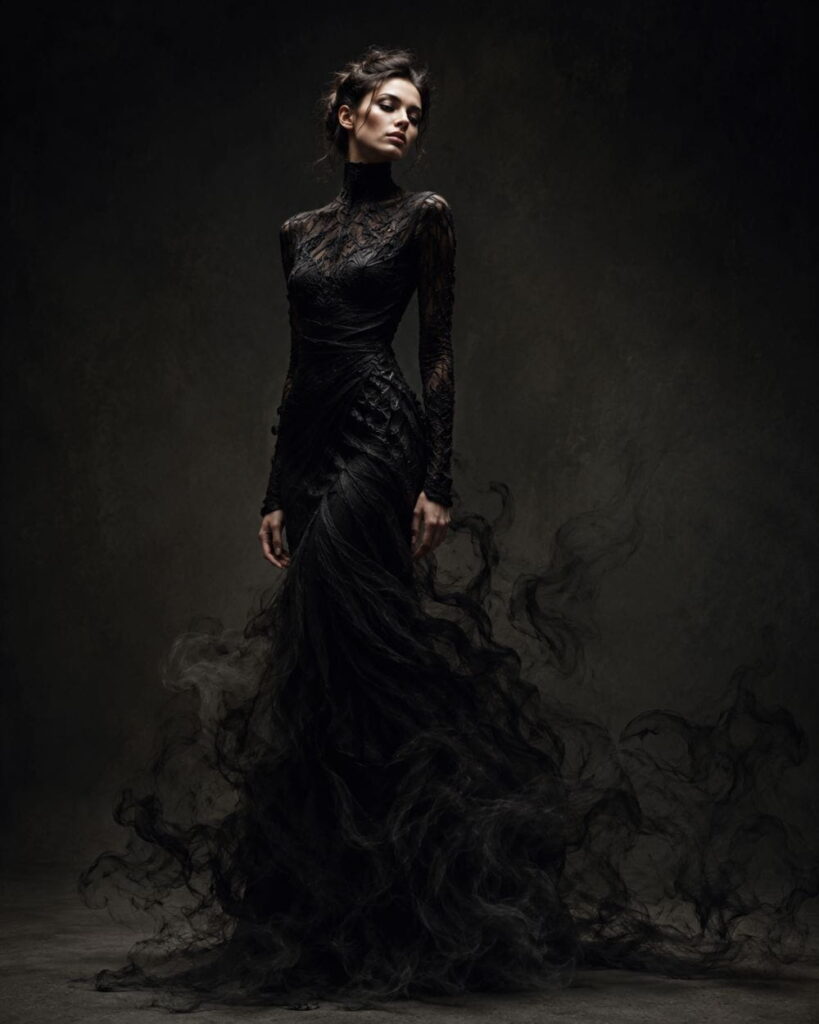
Example transformation:
- Weak: “A woman in a dramatic black dress.”
- Strong: “A woman whose dress appears to be dissolving into black smoke at the hem, as though her lower body is disappearing.”
Notice the second version still describes a black dress—it just anchors it to a concept first. Try keeping a running notes file of concepts you find interesting (rust, bioluminescence, erosion, symmetry breaking) so you’re never starting from a blank page. This single habit will improve the output quality of your AI avant-garde fashion prompts more than almost any other technique on this list.
Hack 2: Name Real (Even Absurd) Materials
Vague material language—”futuristic fabric,” “edgy texture”—is one of the fastest ways to get flat, generic results from these prompts. Image generators respond far better to concrete, even unrealistic, materials: liquid chrome, shattered glass fused with silk, blown coral, vinyl melted onto skin, and woven wire mesh.
How to Apply It
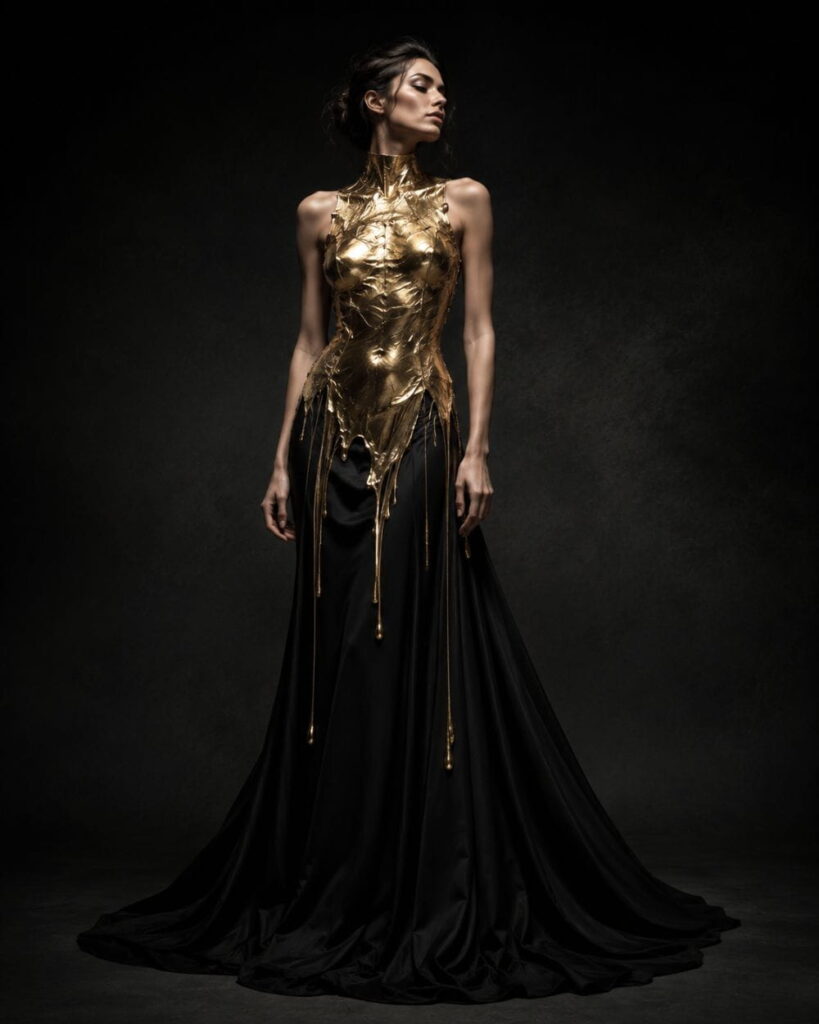
The trick is to be specific about how the material behaves, not just what it’s made of. “Molten gold frozen mid-drip” gives the model a shape and a texture in one phrase. “Gold fabric” gives it almost nothing to work with.
Keep a running list of unusual materials you like—organic (moss, coral, feathers), industrial (concrete, steel, chrome), and ephemeral (smoke, ink, light)—and rotate through them across your prompts to keep your portfolio visually varied instead of repetitive. It also helps to pair a material with a sensory verb: glass “shattering,” metal “pooling,” and fabric “curling.” That verb is often what makes the difference between a static image and one that feels like it was caught mid-moment.
Hack 3: Borrow From Photographers, Not Just Designers
Most people naming references in this kind of prompt default to fashion houses—Comme des Garçons, Iris van Herpen, and Rick Owens. That’s not wrong, but it’s incomplete. Naming a photographer’s style often has a bigger impact on the final image, because lighting, composition, and mood are usually what a photographer’s name encodes, while a designer’s name mostly encodes silhouette.
How to Apply It
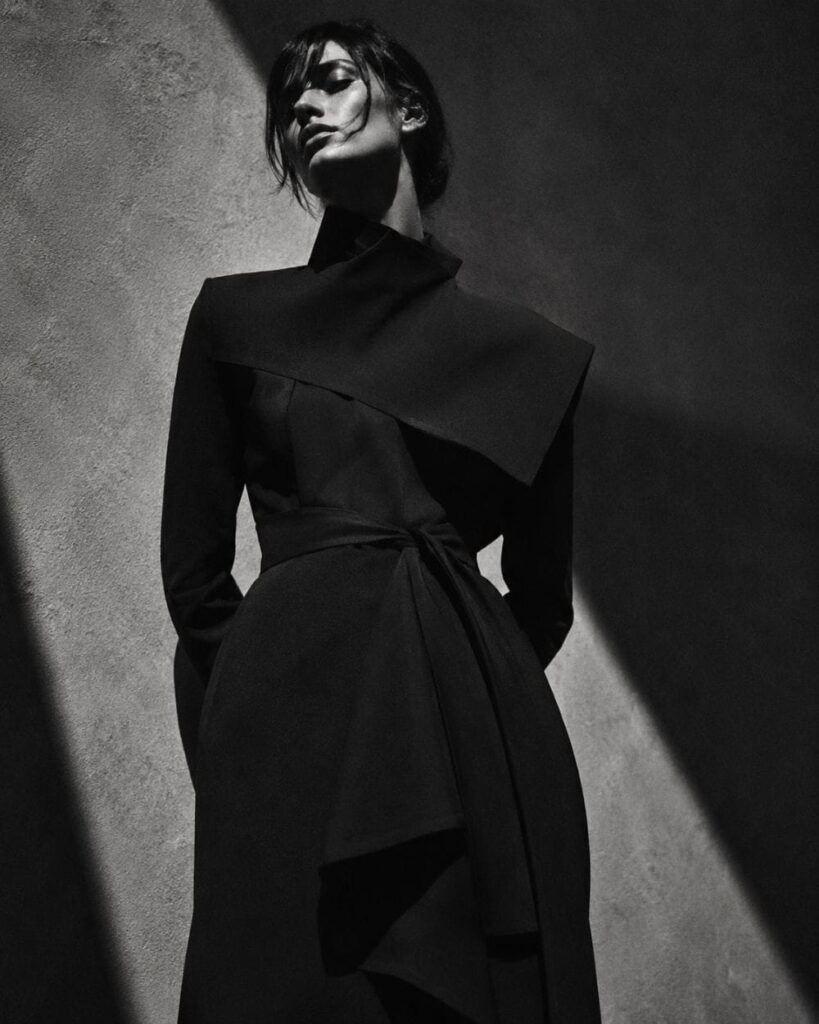
Try referencing photographers like Nick Knight, Tim Walker, or Paolo Roversi in your prompts alongside any designer influence. You’ll often notice a more dramatic shift in lighting, contrast, and overall mood than from design references alone.
If you want to study why this works, Vogue’s photography archive is a useful place to look at how different photographers interpret the same design language in radically different ways—that’s exactly the kind of variation you’re trying to trigger in your prompt. Try generating the same base concept with three different photographer references and comparing the results side by side; it’s one of the fastest ways to build an intuition for how much a single reference name can shift the entire image.
Hack 4: Use Physics-Breaking Language on Purpose
Avant-garde imagery, AI-generated or not, frequently breaks the rules of physics—garments suspended mid-air, fabric flowing upward, silhouettes frozen mid-collapse. This is one of the easiest levers to pull here and one of the most underused.
How to Apply It
Words and phrases like “frozen mid-motion,” “suspended without gravity,” “dripping upward,” or “caught in an explosion that never lands” push the model toward exactly the surreal quality that defines the genre. Use these phrases deliberately and sparingly—one or two per prompt is usually enough to shift the entire mood of the image without making the scene feel chaotic or unreadable.
This hack pairs especially well with Hack 2 (naming unusual materials), since physics-breaking behavior applied to a concrete material—”liquid mercury frozen mid-splash”—reads far more vividly than the same behavior applied to nothing in particular. If your results start to look cluttered or hard to parse, that’s usually a sign you’ve stacked too many physics-breaking phrases into one prompt; pull back to just one and let it carry the whole image.
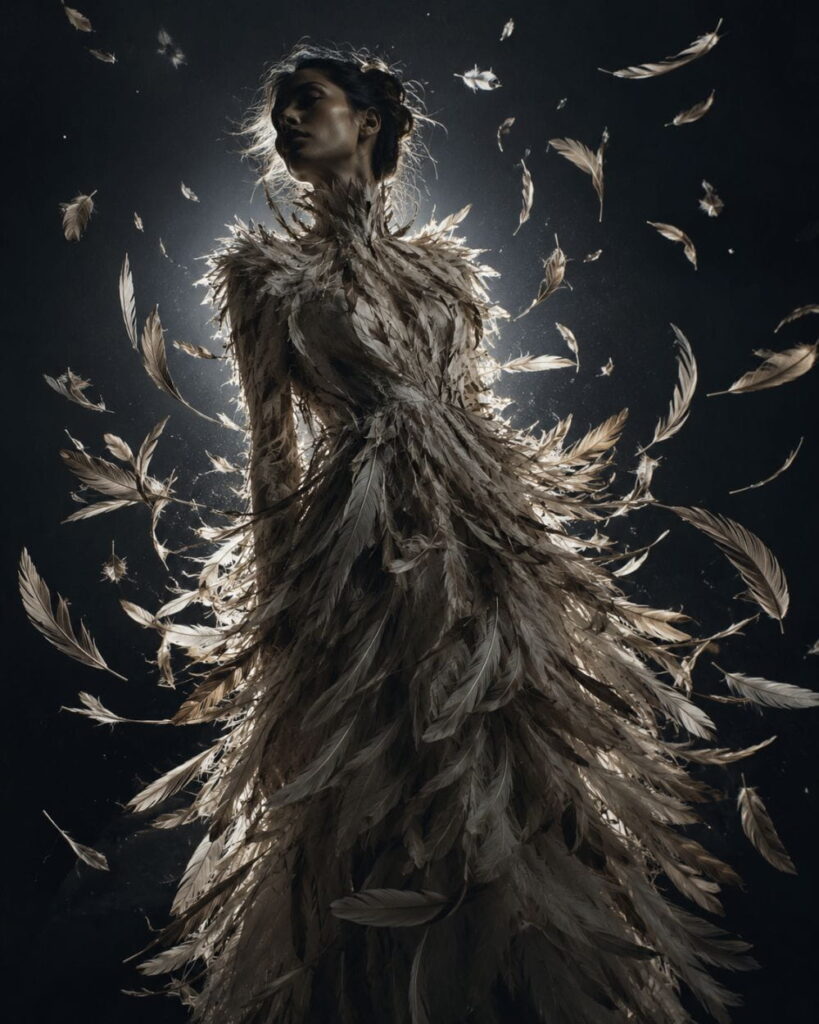
Hack 5: Layer Your Prompt in Five Parts
The most reliable prompts in this style follow a five-part structure, in this order:
- Subject and pose—who’s in the shot and how they’re standing
- Garment concept—the core idea, tied to Hack 1
- Styling details—hair, makeup, accessories
- Setting and lighting—where the shot takes place and how it’s lit
- Photographic style—camera, lens feel, and any photographer or editorial reference
How to Apply It
Writing your prompt in this order—rather than dumping details randomly—keeps the model from getting confused about what to prioritize. Here’s a full example that applies all five layers:
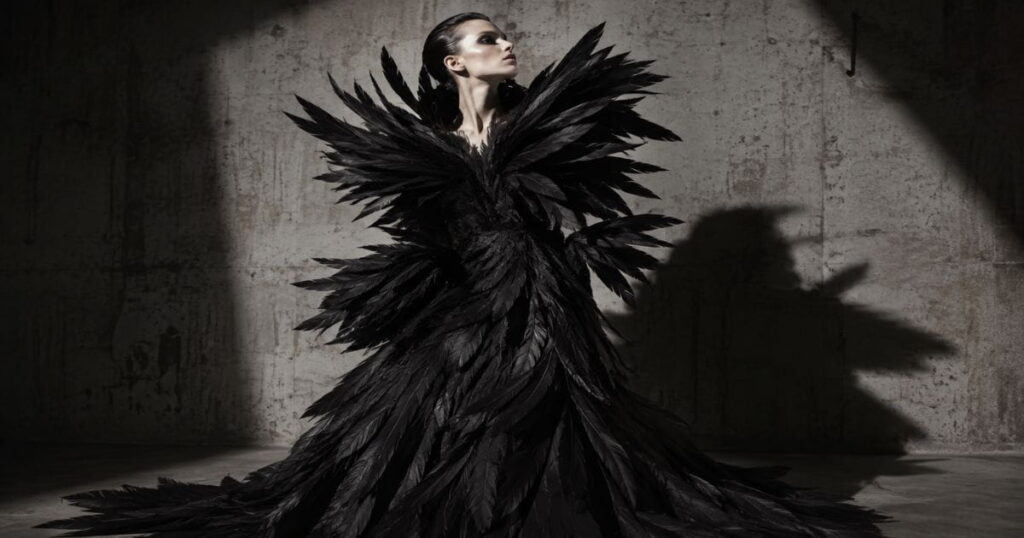
“A tall androgynous model in a dramatic contrapposto pose, wearing a sculptural gown built from overlapping black feathers that appear to be mid-explosion, frozen in motion, with slicked-back wet hair and stark white face paint, photographed against a raw concrete backdrop under a single hard spotlight casting long shadows, shot on medium format film with high contrast, in the style of a Paolo Roversi editorial.”
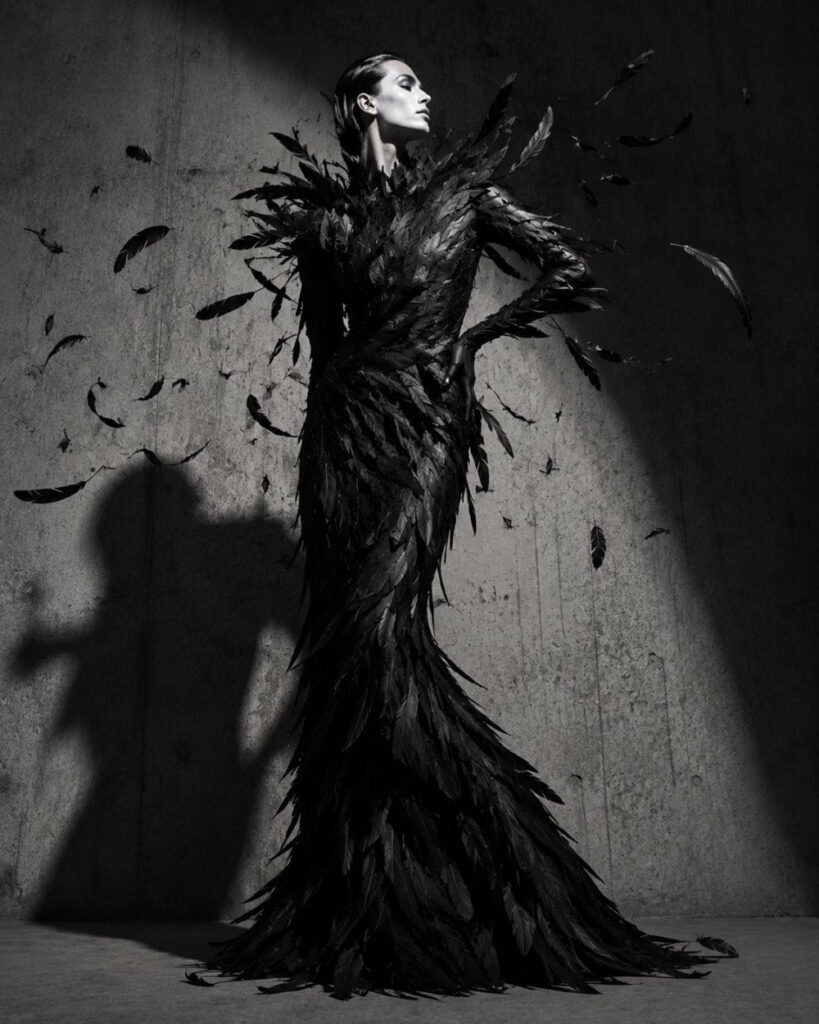
This structure is the backbone of nearly every one of the AI Fashion Photoshoot Prompts we cover on the site—it’s not specific to avant-garde work, but it becomes especially important once your prompts get conceptually complex. A useful test: read your finished prompt out loud and check that each of the five parts appears once, in order, without repeating information. If a detail feels out of place, it’s usually because it belongs in an earlier layer.
Hack 6: Iterate Instead of Overloading One Prompt
A common instinct is to cram everything—concept, five materials, three lighting moods, and two photographer references—into a single mega-prompt. This almost always backfires. Prompts that try to do too much at once tend to produce muddled, incoherent images because the model has too many competing instructions to prioritize.
How to Apply It
Instead, generate a base image with a simpler version of your concept first. Once you like the composition, refine it in follow-up prompts—adjusting material, lighting, or mood one variable at a time. This iterative approach consistently produces sharper, more intentional-looking results than trying to nail everything in one shot, and it also teaches you which specific words are doing the heavy lifting in your prompt.
A practical workflow: generate three versions of your base concept, pick the strongest composition, then run four or five targeted variations that change only one element each—material, lighting, pose, or camera angle. By the end, you’ll usually have a much clearer sense of exactly which words in your prompts are earning their place.
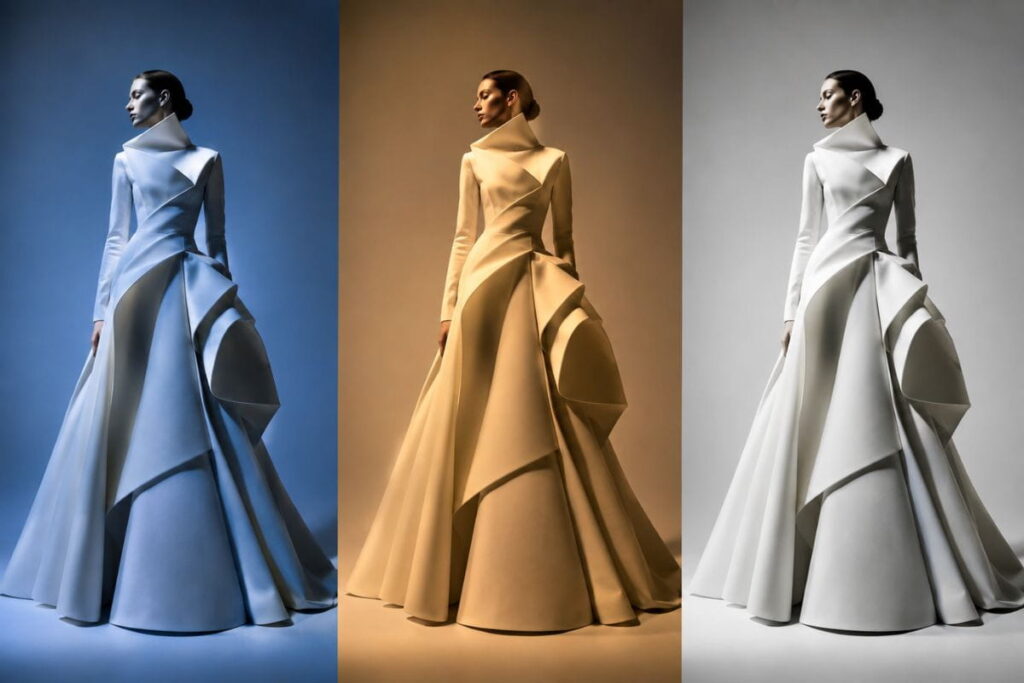
Hack 7: Build a Series, Not a Single Image
The strongest avant-garde work—generated by AI or shot on a real set—rarely comes from a single image. It comes from a series built around one consistent concept or material.
How to Apply It
Pick a theme (say, “liquid metal” or “nature reclaiming the body”) and generate five to eight variations across different poses, framing, and lighting while keeping the core concept identical. This is the single most effective way to turn a handful of prompts into something that reads like an actual editorial spread or lookbook rather than a pile of disconnected images.
It also gives you material to compare side by side, which makes it much easier to spot which specific prompt language is producing your best results. For more structured prompt sets you can adapt into a series and browse the full AI Avant-Garde Prompts collection, which is organized by material and mood to make this kind of batch generation easier.
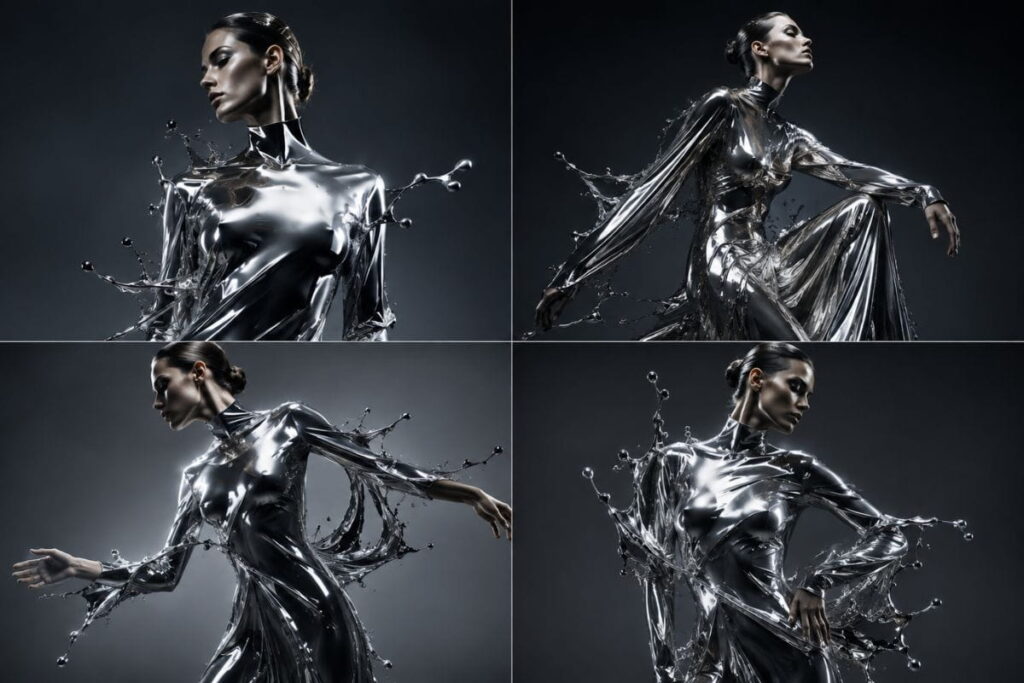
Sample AI Avant-Garde Fashion Prompts You Can Use Today {#sample-prompts}
If you’d rather start from a working example than a blank page, here are eight AI avant-garde fashion prompts built using the five-part structure from Hack 5. Copy one, drop it into your generator of choice, and adjust the material, lighting, or reference as needed.
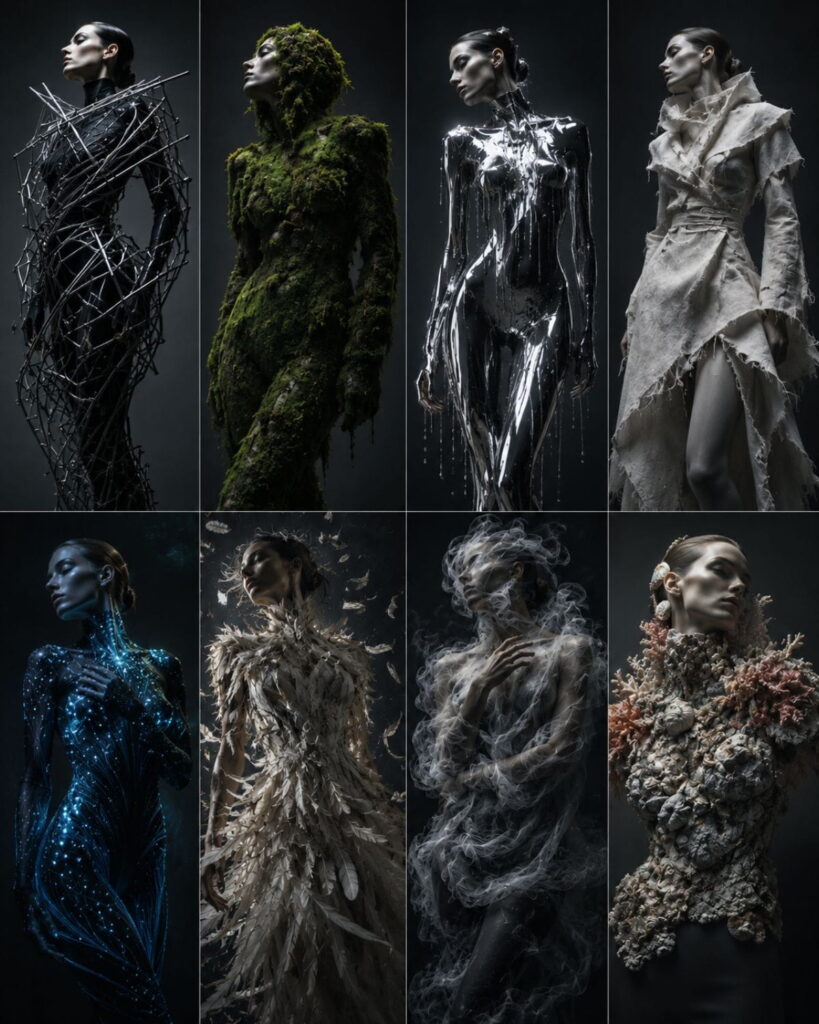
Notice that each of these AI avant-garde fashion prompts follows the same underlying pattern: a clear concept, a specific material, and a lighting or camera detail that reinforces the mood. Once you’ve run a few of these as-is, try rewriting one from scratch using your own concept—that’s usually the fastest way to internalize the structure rather than just borrowing it.
Common Mistakes to Avoid
Even with all seven hacks in hand, a few recurring mistakes tend to trip people up when writing AI avant-garde fashion prompts:
- Over-describing the face. Avant-garde imagery is usually about the garment and composition, not a specific expression. Leave the face loosely described unless it’s central to your concept—over-specifying it tends to pull attention away from the more interesting parts of the image.
- Mixing too many concepts at once. A prompt that tries to combine “decay”, “technology”, and “rebirth” in one image usually produces something muddled. Pick one concept and let it fully drive the prompt.
- Forgetting lighting entirely. Lighting does as much work as the garment itself in avant-garde imagery. A striking material description under flat, even lighting will still read as ordinary.
- Copy-pasting prompts without adapting them. A prompt written for one tool doesn’t always translate cleanly to another. Different generators interpret material and lighting language differently, so treat any prompt—including the ones in this article—as a starting point to adjust, not a final answer.
- Skipping the iteration step. As covered in Hack 6, trying to get a perfect result on the first generation is one of the most common reasons people give up on AI avant-garde fashion prompts too early.
Best Tools for AI Avant-Garde Fashion Prompts {#best-tools}
Not every AI image generator handles avant-garde concepts equally well. A few worth testing:
- Midjourney — generally strong with dramatic lighting, texture, and painterly detail, which suits AI avant-garde fashion prompts that lean into material and mood.
- OpenAI’s DALL·E 3 — tends to follow longer, layered prompts closely, which works well with the five-part structure from Hack 5.
- Stable Diffusion (with fashion-tuned models) — offers the most manual control if you’re comfortable adjusting settings and is a good option once you already know exactly what look you’re chasing.
Results vary by version and by how the tool has been fine-tuned, so it’s worth running the same prompt across two or three platforms early on to see which one naturally leans toward the aesthetic you’re after.
How AI Avant-Garde Fashion Prompts Fit Into a Creative Workflow {#creative-workflow}
It’s worth stepping back from individual prompts for a moment to talk about where AI avant-garde fashion prompts actually fit into a broader creative process, because that context changes how you should use them.
For most designers and stylists, AI avant-garde fashion prompts work best as an ideation tool rather than a finished-product tool. The goal isn’t necessarily to produce a final image you’ll publish as-is — it’s to rapidly test concepts that would otherwise take hours of sketching, moodboarding, or physical prototyping to explore. A designer curious about how a “coral-encrusted collar” or a “liquid chrome bodice” might actually read can generate a dozen variations in the time it would take to sketch one.
That said, plenty of digital artists and content creators do treat AI avant-garde fashion prompts as the finished product — building entire portfolios, social feeds, or print collections around AI-generated editorial imagery. If that’s your goal, the iteration habits in Hack 6 become even more important, since you’re aiming for a polished final image rather than a rough concept sketch.
A useful way to think about it: early in a project, keep your AI avant-garde fashion prompts loose and exploratory, generating a wide range of concepts to see what resonates. As you narrow in on a direction, your prompts should get progressively more specific — tighter material descriptions, more deliberate lighting choices, a consistent photographic reference — until you’re producing a focused series rather than scattered experiments.
It also helps to separate two different modes of working. In exploration mode, you’re running quick, low-effort prompts just to see what a concept looks like rendered — don’t worry about getting the wording perfect. In refinement mode, you’re taking a concept you already like and applying every hack in this guide to push it toward something publishable. Mixing these two modes together is one of the more common reasons people get frustrated with AI avant-garde fashion prompts — they spend refinement-level effort on prompts that were only ever meant to be quick sketches, or they publish exploration-stage results without ever tightening the language.
Frequently Asked Questions {#frequently-asked-questions}
What’s the difference between AI avant-garde fashion prompts and regular fashion prompts?
Regular fashion prompts aim for realism and wearability — clean product shots, flattering lighting, commercially viable silhouettes. AI avant-garde fashion prompts aim for concept and visual impact instead, often describing materials, movement, or proportions that couldn’t exist in a real garment. The writing style, word choice, and reference points are genuinely different disciplines.
Which AI tools work best for avant-garde fashion imagery?
Tools like Midjourney and OpenAI’s DALL·E 3 are both strong choices for AI avant-garde fashion prompts, since they respond well to vivid, sensory language. Results vary by tool and version, so it’s worth testing the same prompt across a couple of platforms to see which interprets your specific style best.
Do I need fashion design experience to write good AI avant-garde fashion prompts?
No. The most important skill isn’t design training — it’s the ability to describe a concept vividly and specifically. That said, studying real avant-garde design and editorial photography (through sources like Vogue Business or fashion history archives) will noticeably sharpen your prompt writing over time.
How long should an avant-garde fashion prompt be?
There’s no fixed rule, but most strong AI avant-garde fashion prompts land between 40 and 80 words when following the five-part structure in Hack 5. Shorter prompts tend to produce generic results; much longer prompts risk overwhelming the model with competing instructions (see Hack 6).
Can I use AI avant-garde fashion prompts for a real design portfolio?
Yes, with the right framing. Many designers use AI-generated avant-garde imagery as a moodboarding or ideation tool — a fast way to visualize concepts before committing to physical materials. Just be transparent that the images are AI-generated if you’re presenting them professionally, since that’s increasingly standard practice in creative portfolios.
Why do my AI avant-garde fashion prompts keep producing boring results?
Almost always, it’s because the prompt describes clothing instead of concept (Hack 1) or uses vague material language instead of specific, vivid detail (Hack 2). Going back through your prompt and applying those two hacks first usually solves the majority of “flat” or generic output.
How many images should I generate before giving up on a prompt idea?
Give any concept at least three to five generations, adjusting one variable at a time as described in Hack 6, before deciding the idea itself doesn’t work. Most disappointing first results come from a prompt that just needs one or two targeted adjustments, not a completely different concept.
Final Thoughts {#final-thoughts}
Writing great AI avant-garde fashion prompts is less about finding a magic phrase and more about applying a consistent set of habits: leading with concept, naming real materials, borrowing from photographers as well as designers, using physics-breaking language on purpose, layering your prompt in five parts, iterating instead of overloading, and building full series rather than single images.
Start with one or two of these hacks on your next generation rather than trying to apply all seven at once — you’ll learn faster by isolating variables than by changing everything simultaneously. And if you want a running library of ready-to-use starting points, the AI Avant-Garde Prompts page and the broader AI Fashion Photoshoot Prompts category are both built to plug directly into the structure covered here.