
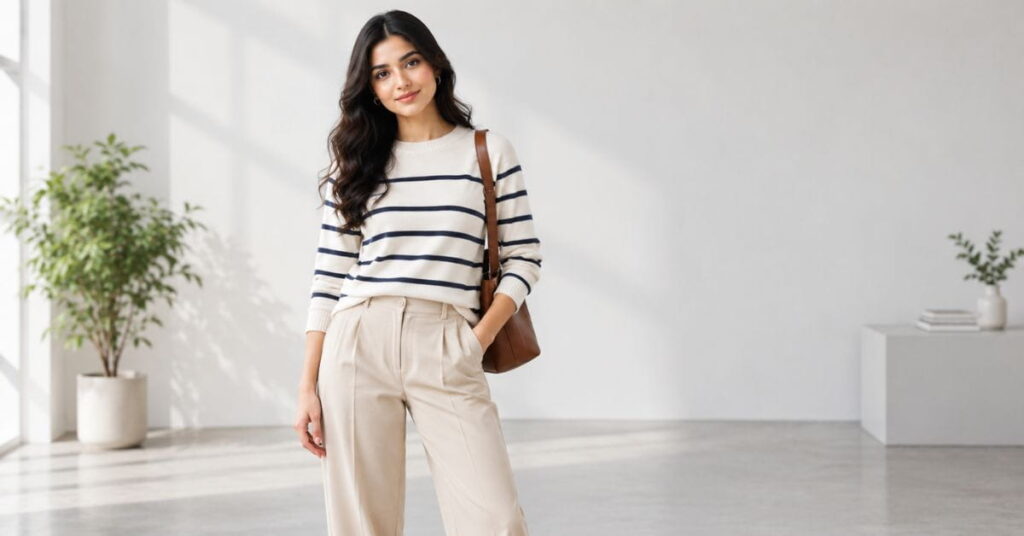
An AI fashion model generator online can either make your brand look like it just hired a six-figure creative team, or it can make your product photos look like a bad video game cutscene. There’s almost no in-between. And the difference between those two outcomes usually isn’t the tool you’re using — it’s whether you know how to actually work with it.
I’ve spent a lot of time testing these tools, comparing outputs, and figuring out why some brands get jaw-dropping, scroll-stopping images while others get the same stiff, plastic-looking figure everyone on the internet has learned to spot in half a second. Turns out, there’s a real skill gap here, and almost none of it has to do with which app you pay for.
This guide breaks down nine specific, practical hacks for getting genuinely good results out of any AI fashion model generator online, along with exactly how to apply each one. No fluff, no vague “just be creative” advice. Just the stuff that actually moves the needle.
This matters especially right now for brands selling to American shoppers, where e-commerce competition is brutal and customer expectations for polished product photography keep climbing every year. A small apparel brand competing against big-box retailers with unlimited photography budgets used to have basically no way to close that visual gap. An AI fashion model generator online changes that math entirely — but only if you actually know how to drive it well, which is exactly what the rest of this guide covers.
What Is an AI Fashion Model Generator Online, Exactly?
Before the hacks, let’s get on the same page. An AI fashion model generator online is a web-based tool that uses image-generation AI to create photorealistic (or stylized) human figures wearing clothing, based entirely on a text prompt. You describe the pose, the outfit, the setting, the lighting, and the model’s appearance, and the tool generates an image — usually in seconds, sometimes with a few variations to choose from.
Unlike a traditional photoshoot, there’s no studio, no scheduling, no travel, and no hourly rate. You’re paying for compute time and a subscription instead of a full production crew. That’s exactly why small brands, solo Etsy sellers, and scrappy startups have gotten so obsessed with these tools over the past couple of years — it’s the first time a one-person operation could produce imagery that looks like it came from an agency.
But here’s the catch nobody mentions in the marketing copy: the output quality of any AI fashion model generator online is almost entirely dependent on the input you give it. Garbage prompt in, garbage image out. Good prompt in, and you can genuinely compete visually with brands spending thousands per shoot. That’s the whole game, and it’s what the next nine sections are about.
Who Should Use an AI Fashion Model Generator Online (and Who Shouldn’t)
Not every brand is a great fit for this technology yet, and it’s worth being honest about that upfront instead of pretending it’s a universal solution.
Great fit: small and mid-size apparel brands, dropshippers, print-on-demand sellers, Etsy shops, social media marketers testing multiple ad creative variations quickly, and any business that needs a large volume of on-brand product imagery without a large photography budget.
Trickier fit: ultra-premium luxury brands whose entire pitch relies on aspirational, celebrity-driven imagery; brands whose core identity is built around a specific real spokesperson or model; and product categories like formalwear or footwear where exact fit and texture accuracy still matter enough that real photography currently has a meaningful edge.
If you fall into that second category, an AI fashion model generator online can still be genuinely useful for early concept testing, social content, or seasonal campaigns — it just probably shouldn’t be your only source of imagery for flagship product pages just yet.
It’s also worth thinking about your sales channel. A brand selling exclusively through Amazon or a similar marketplace has different image requirements and stricter photography guidelines than a brand running its own independent Shopify store, so double-check platform-specific rules around AI-generated imagery before uploading anything generated through an AI fashion model generator online to a third-party marketplace listing.
Hack #1: Get Hyper-Specific With Every Prompt
The single biggest mistake people make with an AI fashion model generator online is typing something vague like “woman wearing a red dress” and expecting magic. That prompt has no information about lighting, angle, mood, body type, background, or styling — so the AI fills in all those blanks with generic, average, forgettable choices.
How to Apply It
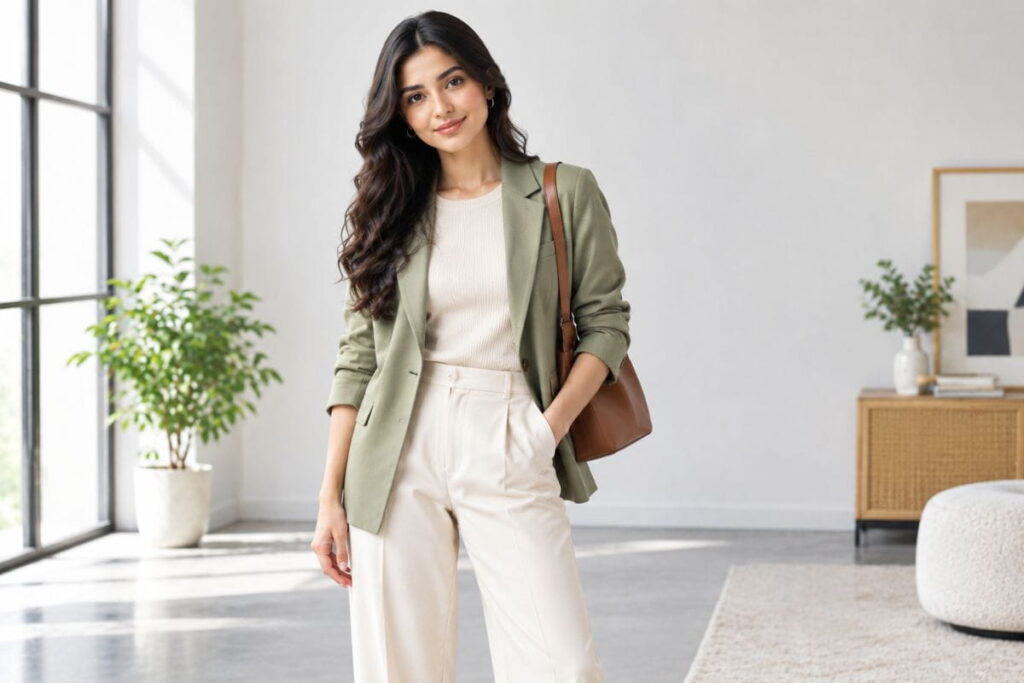
Instead of a vague description, build your prompt in layers: subject, outfit detail, pose, environment, lighting, and camera style — in that order. For example: “A confident woman in her late 20s, medium build, standing in a relaxed three-quarter pose, wearing a fitted red midi dress with a subtle satin sheen, in a sunlit loft apartment with large windows, shot on a 50mm lens with soft natural light and shallow depth of field.” That single prompt gives the AI six distinct dimensions to work with instead of one, and the difference in output quality is immediate and obvious.
A good way to think about this: every vague word in your prompt is a decision you’re handing off to the algorithm instead of making yourself. “A dress” leaves color, length, fit, and fabric entirely up to chance. “A fitted, knee-length emerald green wrap dress in lightweight crepe” leaves almost nothing to chance. The more decisions you make explicitly, the more your AI fashion model generator online output will match what’s actually in your head instead of some generic average of every similar image in its training data.
Hack #2: Speak the Language of a Real Photographer
Most people prompting an AI fashion model generator online describe what they want like a shopper, not like a photographer. That’s a missed opportunity, because these tools were trained on millions of real photographs that were tagged with photography terminology — lens type, aperture, lighting setup, film stock, composition style.
How to Apply It
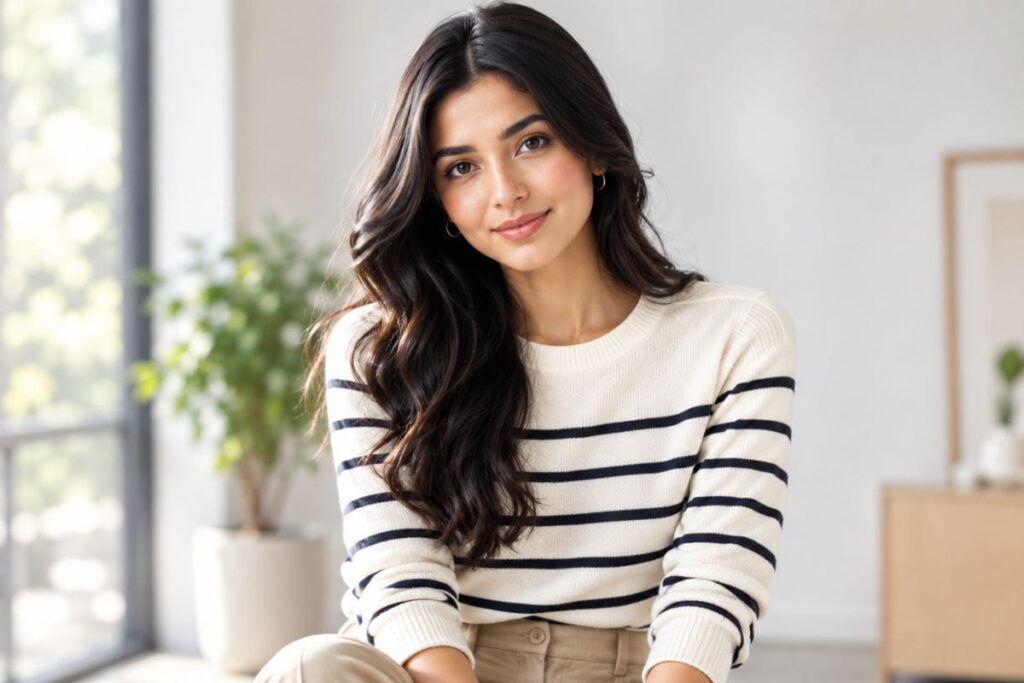
Borrow real photography vocabulary directly in your prompts: “shot on 85mm portrait lens,” “golden hour backlighting,” “studio softbox lighting, high-key,” “shallow depth of field, bokeh background,” “editorial pose, direct eye contact.” These terms act as shortcuts that pull the AI toward specific, professional-looking visual patterns instead of generic default output. It’s genuinely one of the fastest ways to level up results from any AI fashion model generator online without spending a single extra dollar.
If you’ve never worked with a photographer before, a quick trick is to browse a few editorial fashion spreads from magazines you admire and jot down how the lighting and composition are typically described — “dramatic side lighting,” “flat lay,” “candid street-style,” “high fashion studio shot.” Dropping even one or two of these terms into your next prompt on your AI fashion model generator online will noticeably shift the mood and polish of the output compared to a plain, unstyled description.
Hack #3: Use Negative Prompts to Kill the “AI Look”
Most people don’t realize that a huge percentage of AI fashion tools let you specify what you don’t want, alongside what you do. This is called a negative prompt, and it’s one of the most underused features in any AI fashion model generator online.
How to Apply It
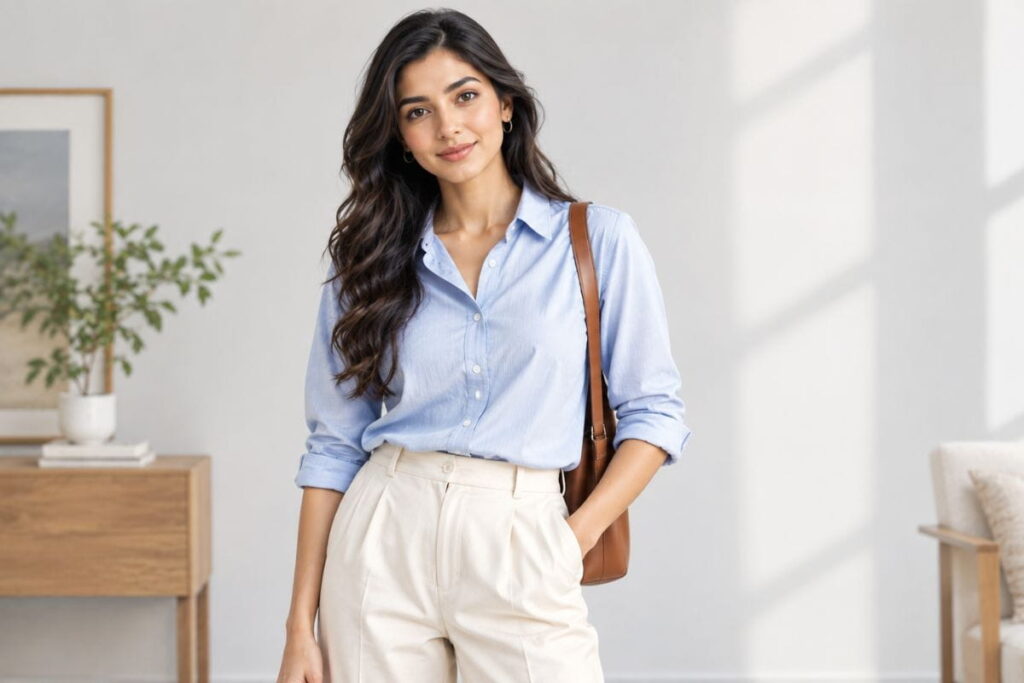
Add a short negative prompt alongside your main one, specifically targeting common AI artifacts: “no extra fingers, no warped jewelry, no asymmetrical face, no plastic-looking skin, no melted background details, no unnatural symmetry.” This single step alone eliminates most of the telltale signs that make people instantly recognize an image as AI-generated. If your tool doesn’t have a dedicated negative prompt field, some allow you to add exclusion terms directly at the end of your main prompt using phrasing like “avoid: [list].”
Keep a running “problem list” specific to your own results, since different tools tend to fail in slightly different, repeatable ways. If your particular AI fashion model generator online consistently struggles with hands holding accessories, or consistently over-smooths skin texture, add those exact issues to your negative prompt every single time rather than re-discovering the same flaw over and over across different projects.
Hack #4: Build Body Diversity Into the Prompt Itself
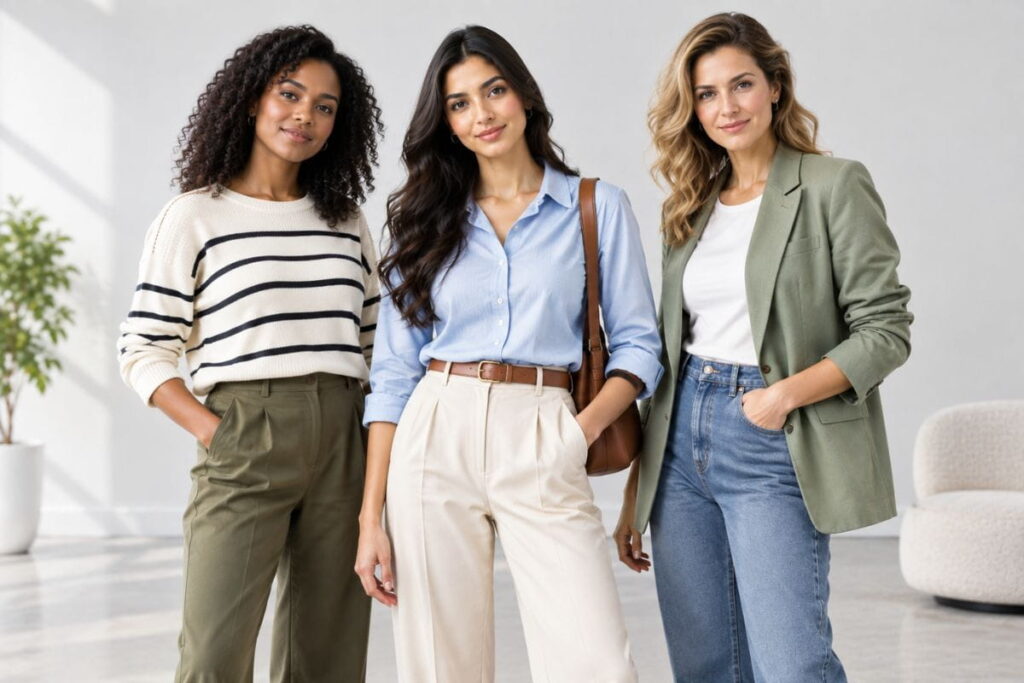
Left to its own devices, an AI fashion model generator online will often default to a narrow, repetitive range of body types, because that’s what dominates its training data. If representation matters to your brand — and for most modern audiences, it genuinely should — you have to be deliberate about it.
How to Apply It
Explicitly specify body type, age range, height, and skin tone in every prompt rather than leaving it to chance: “plus-size woman, early 40s, medium-brown skin tone, 5’9″,” or “petite build, early 60s, curly gray hair.” Run the same outfit through five or six differently-specified prompts to build out a genuinely diverse product gallery instead of five slightly different versions of the exact same default face and body.
This isn’t just an ethical nice-to-have — it’s a direct conversion lever. American shoppers increasingly expect to see people who look like them in product photography before they trust a fit description enough to buy. A brand using an AI fashion model generator online to show the exact same outfit across a genuinely wide range of body types is, in effect, doing the job of a much bigger casting budget for a fraction of the cost.
Hack #5: Batch-Generate Instead of One-and-Done
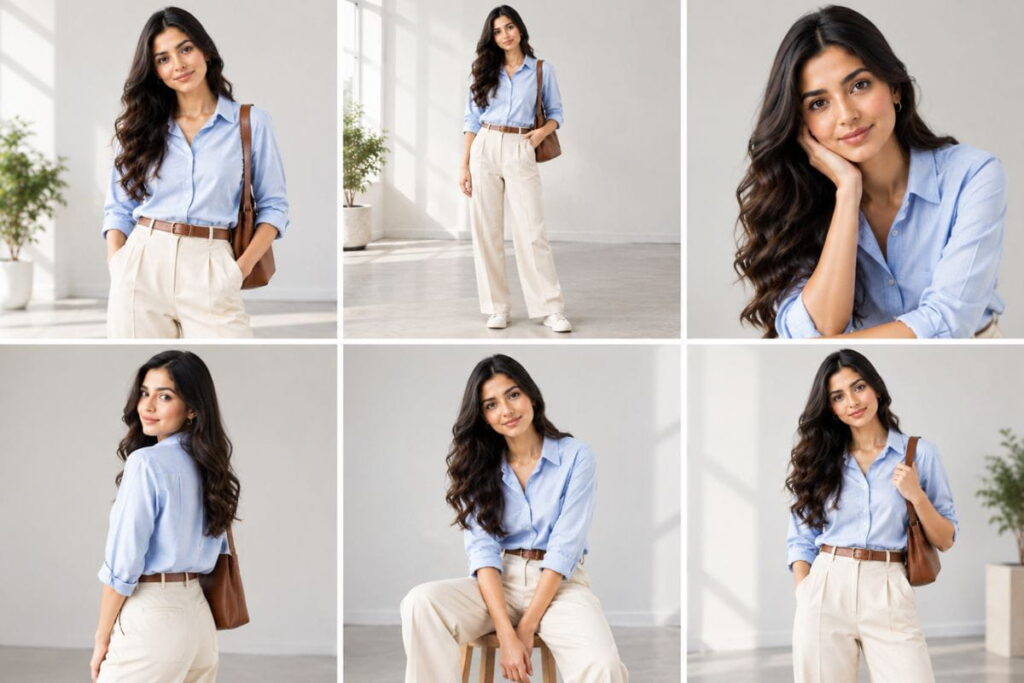
New users of an AI fashion model generator online often generate a single image, get something mediocre, and give up thinking the tool just isn’t good enough. Experienced users know the real trick: never expect the first result to be your final result.
How to Apply It
Generate at least six to ten variations of the same prompt before judging the tool’s quality. Small differences in the random seed can produce wildly different results even from an identical prompt. Treat your first batch like a contact sheet from an old-school film shoot — you’re not looking for one perfect shot on the first try, you’re looking for the two or three strongest options out of a dozen attempts, then refining the prompt further from there.
This batching approach also solves a subtler problem: consistency across a full product line. If you’re launching ten products in the same collection, generating six variations of each and hand-picking the best match for tone and lighting across the whole set will make your storefront look like a cohesive campaign rather than ten disconnected, randomly-generated images that happen to be posted next to each other.
Hack #6: Anchor Fabric Details With Close-Up References
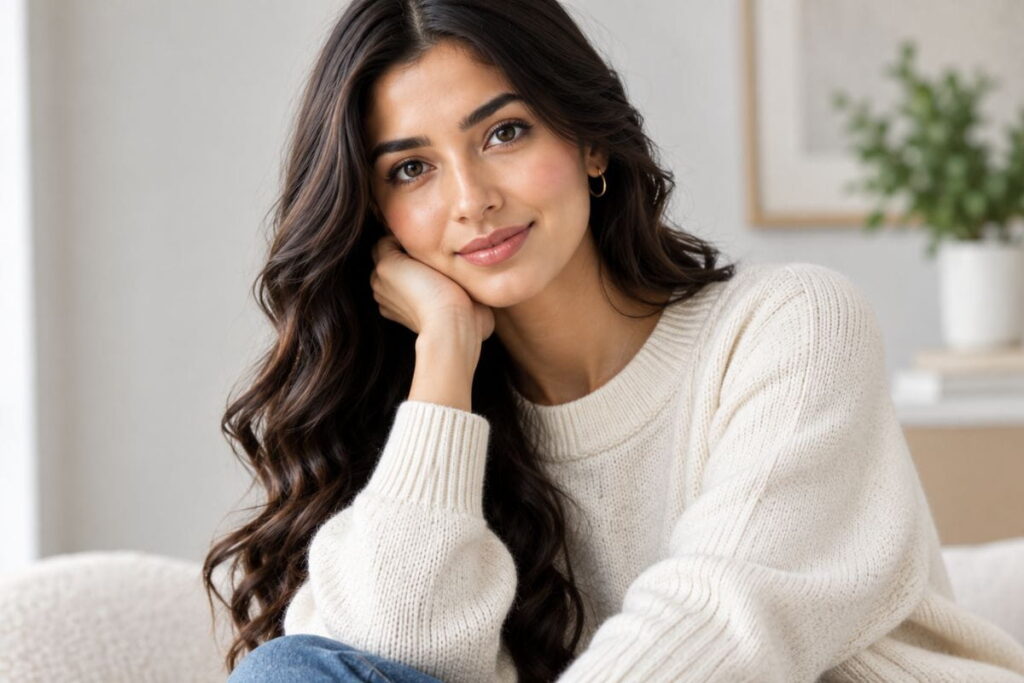
Clothing texture is genuinely one of the hardest things for any AI fashion model generator online to render convincingly. Denim, knits, sequins, and leather all have very specific light-catching properties that generic prompts routinely botch.
How to Apply It
Get specific about fabric behavior in your prompt, not just color: “raw selvedge denim with visible stitching,” “chunky cable-knit wool sweater,” “matte structured leather jacket,” “flowy silk with visible fabric drape.” If your tool supports image-to-image generation or reference uploads, feed it a close-up product photo of the actual fabric alongside your text prompt — this dramatically improves texture accuracy compared to relying on text description alone.
This one matters more than people expect for return rates, too. American online shoppers already return apparel at notably higher rates than almost any other e-commerce category, largely because of fit and texture mismatches between what they saw online and what arrived in the box. Getting fabric texture as accurate as possible in your AI fashion model generator online output isn’t just a visual nicety — it can directly reduce costly returns down the line.
Hack #7: A/B Test Against Real Photography
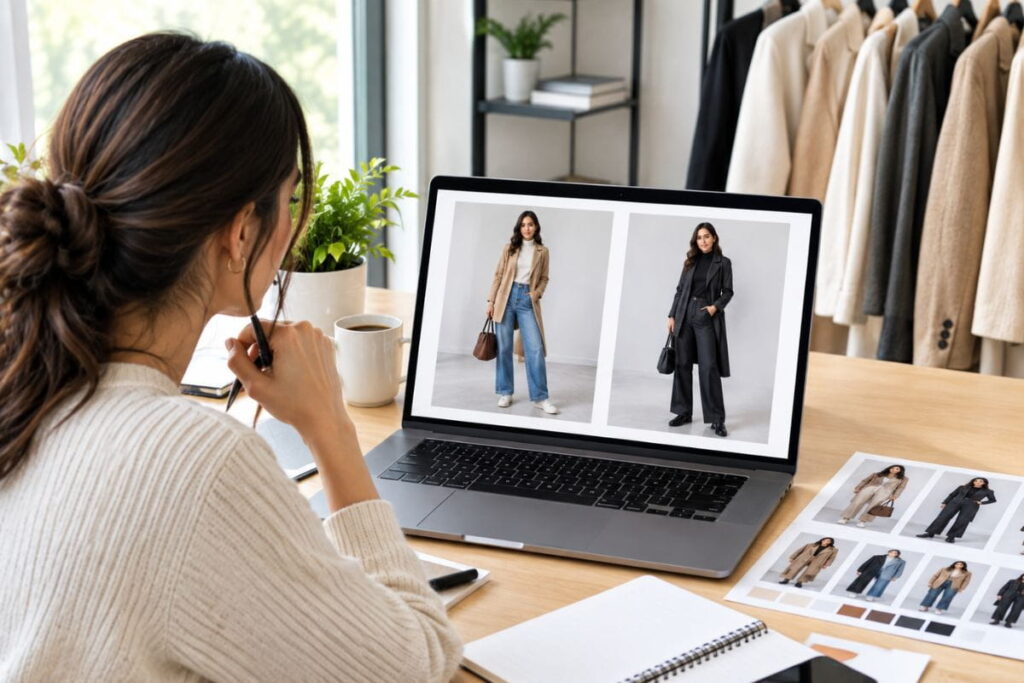
Here’s a hack most brands skip entirely, and it’s costing them conversions: don’t assume your AI fashion model generator online output is automatically performing as well as real photography. Test it.
How to Apply It
Run a simple split test on your product pages or ad creative — half your traffic sees the AI-generated image, half sees a real photo (or a different AI variation), and you track click-through and conversion rate for each. Some product categories perform just as well, or better, with AI imagery. Others — especially higher-priced items where shoppers want absolute certainty about fit and texture — often still convert better with real photography. Don’t guess. Measure it directly for your specific audience and product line.
Most ad platforms and e-commerce tools make this kind of split test genuinely simple to set up — you don’t need a data science team, just two versions of the same product image and a couple weeks of traffic to get a statistically meaningful read. Treat every new AI fashion model generator online campaign as an experiment with a measurable result, not an assumption you make once and never revisit.
Hack #8: Build a Reusable Prompt Library
Every time you find a prompt structure that works well in your AI fashion model generator online, and you don’t save it somewhere, you’re throwing away hours of future trial and error.
How to Apply It
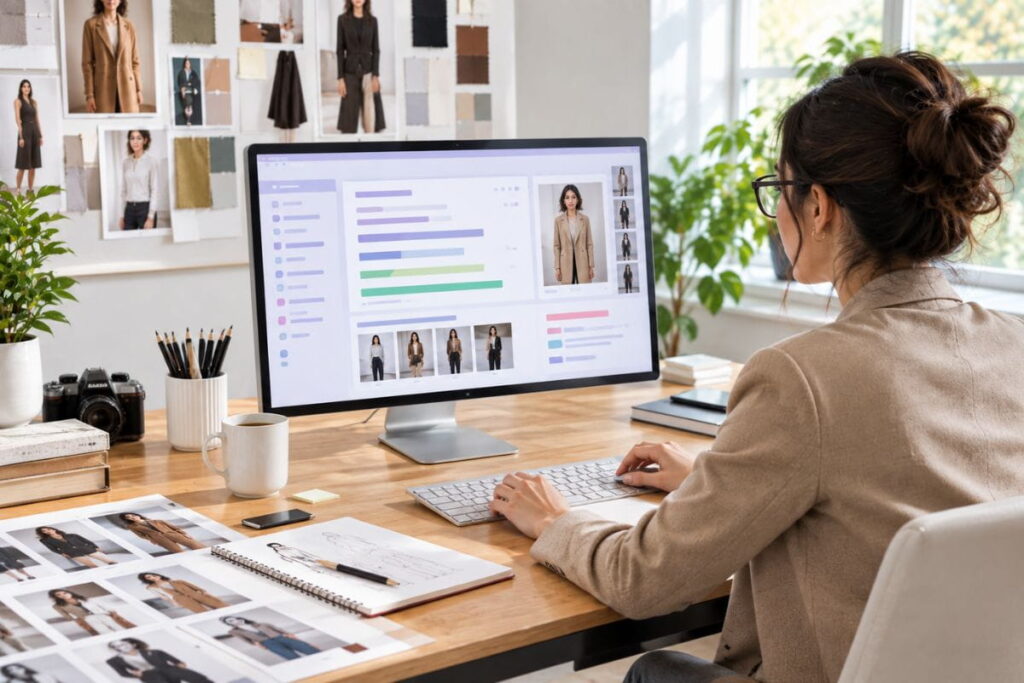
Keep a simple running document — a spreadsheet, a Notion page, whatever works — logging your best-performing prompts alongside the outfit type and result quality. Over time, this becomes your brand’s internal style guide for AI generation, letting you (or anyone on your team) produce consistent, on-brand imagery in minutes instead of starting from scratch with every new product drop.
This becomes especially valuable the moment you bring on a second team member, a freelancer, or an agency to help with content. Instead of re-explaining your brand’s visual style from scratch every time, you hand over a working prompt library from your AI fashion model generator online and they’re producing on-brand images within the hour, not after a week of trial and error trying to reverse-engineer your aesthetic.
Hack #9: Always Disclose When You Publish
This last one isn’t a creative hack, it’s a trust hack, and it matters more than most brands realize. Using an AI fashion model generator online isn’t inherently dishonest, but publishing the output without any disclosure absolutely can feel that way to shoppers once they figure it out — and they usually do.
How to Apply It
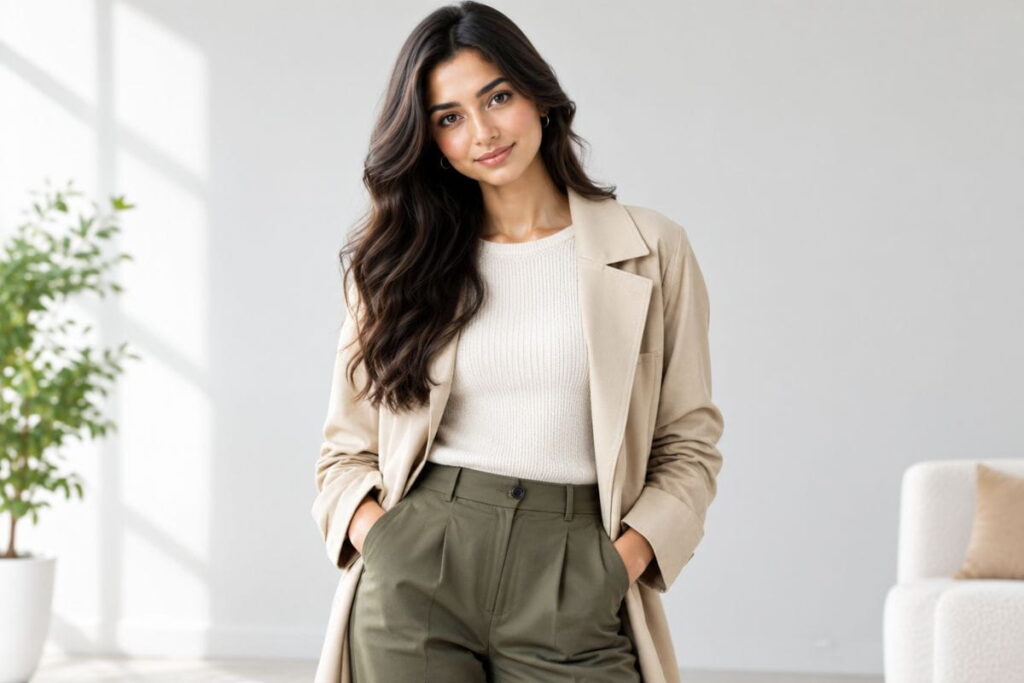
Add a small, simple label to AI-generated product imagery: “AI-generated model image” or similar, placed near the photo or in the image caption. It costs you nothing, takes ten seconds, and consistently builds more long-term trust than it costs you in short-term “polish.” Brands that get caught hiding this tend to face a much louder backlash than brands that were upfront from day one.
Best AI Fashion Model Generator Online Options in 2026
There’s no single “best” AI fashion model generator online for every use case, but a few well-known platforms consistently come up across different creative workflows. General-purpose AI image tools like Midjourney and Adobe Firefly are widely used for high-quality, artistic fashion imagery, while OpenAI’s DALL-E is a solid option for quick, accessible generation directly inside other workflows.
For fashion-specific results — meaning tools actually built around clothing, fabric, pose, and fit rather than general image generation — a dedicated prompt system tends to outperform generic tools significantly, since fashion imagery has requirements (drape, texture, proportion) that general AI art tools weren’t specifically trained to prioritize. If you want to skip months of prompt trial-and-error, our own AI fashion prompt generator was built specifically around the hacks above, so the prompt structure is already handled for you.
Common Mistakes That Ruin AI Fashion Model Generator Online Results
Even with all nine hacks above, a few recurring mistakes trip up almost everyone when they’re new to this. Worth calling out explicitly so you can skip the learning curve entirely.
Overloading a single prompt. More detail is good, but cramming twenty competing instructions into one paragraph confuses the model and produces muddled results. Keep each prompt focused on one clear vision rather than trying to cover every possible variation at once.
Ignoring aspect ratio and platform requirements. An image generated at the wrong dimensions for Instagram, your product page, or a paid ad unit will get awkwardly cropped later. Set your aspect ratio correctly in your AI fashion model generator online before generating, not after.
Skipping the edit pass entirely. Even the best AI output usually benefits from a quick round of color correction, cropping, or minor retouching before it goes live. Treating AI-generated images as instantly “final” is how subtle errors — a slightly warped hand, an odd shadow — end up published.
Using the exact same seed or prompt structure for every product. This creates a suspiciously repetitive, “stamped out” look across your catalog that shoppers notice, even if they can’t quite articulate why. Vary pose, angle, and background enough that your product gallery still feels like it has some visual range to it.
Putting It All Together
None of these nine hacks are complicated on their own. What makes the difference is using several of them together, consistently, instead of treating an AI fashion model generator online like a magic button you press once and hope for the best. Specific prompts, photography vocabulary, negative prompts, deliberate diversity, batch generation, texture anchoring, honest A/B testing, a saved prompt library, and clear disclosure — stack those together and the gap between your output and a professional studio shoot gets remarkably small.
The brands winning with this technology right now aren’t the ones with the biggest budget. They’re the ones treating prompt-writing as an actual skill worth practicing, the same way a photographer treats lighting or a stylist treats fabric pairing. Give it a real shot, and don’t be surprised if your first “wow, that actually looks real” moment happens sooner than you expect.
For US-based brands specifically, this is also a genuinely rare moment of competitive leveling. E-commerce has spent the last decade rewarding whoever had the biggest photography and marketing budget. An AI fashion model generator online doesn’t erase that gap entirely, but it narrows it more than almost any other tool that’s shown up in this industry in years — and the brands that take the time to actually get good at it now are going to have a meaningful head start over the ones who wait until it’s the obvious, crowded default everyone else is already doing.
FAQ: AI Fashion Model Generator Online
Is an AI fashion model generator online free to use?
Many offer a limited free tier or trial, but consistent, high-resolution, commercial-use output typically requires a paid subscription. Free tiers are usually fine for testing your prompt skills before committing to a paid plan.
Can I use images from an AI fashion model generator online for commercial purposes?
Usually yes, but always check the specific tool’s licensing terms first. Some platforms restrict commercial use on free plans, and a few have specific rules around generating human likenesses, so read the fine print before running a paid ad campaign built entirely on generated imagery.
Do I need design or Photoshop experience to use an AI fashion model generator online?
No. Most modern tools are built around plain text prompts, so no design background is required. That said, basic photo editing skills still help for minor touch-ups, cropping, and color correction after generation.
Why do my AI fashion model generator online results look fake or plastic?
This almost always comes down to vague prompting. Add specific lighting terms, camera details, and a negative prompt excluding common artifacts (see Hack #1 and Hack #3 above), and the realism jumps noticeably.
How long does it take to generate images with an AI fashion model generator online?
Most tools return results in ten to sixty seconds per image, depending on resolution and current server demand. Generating a full batch of variations for a single product typically takes just a few minutes total.
Is it legal to use an AI fashion model generator online instead of hiring real models?
Yes, there’s currently no law in the United States prohibiting this. Some states and advertising bodies are beginning to discuss disclosure requirements for AI-generated advertising imagery, so it’s worth keeping an eye on regulations in your specific industry going forward.
Which AI fashion model generator online works best for beginners?
Tools with a simple, guided prompt builder tend to be easiest for beginners, since they remove the guesswork around structuring a good prompt from scratch. If you’re just starting out, look for a platform with built-in templates for pose, lighting, and outfit style rather than a completely blank text box.
Can an AI fashion model generator online create video content, not just still images?
Some platforms are starting to add short video or motion capabilities, but as of now, the vast majority of tools in this space are still focused on still images. If video is a priority, check each platform’s current feature list carefully, since this is one of the fastest-changing parts of the technology.
Do AI fashion model generator online tools work for menswear and kids’ clothing too, or just women’s fashion?
Yes, most platforms handle menswear, children’s clothing, and unisex apparel just as well as women’s fashion, though the volume of training data for women’s fashion imagery is currently larger across most tools, which can occasionally mean slightly more refinement is needed in your prompts for other categories. Being extra specific about garment cut, age range, and styling convention for menswear or kids’ apparel usually closes that gap quickly.
How much does an AI fashion model generator online typically cost per month?
Pricing varies widely, from free limited tiers up to enterprise plans costing hundreds of dollars monthly for high-volume commercial use. Most small brands find a mid-tier plan, often somewhere in the range of a modest monthly subscription, more than sufficient for regular product photography needs without needing to jump straight to an enterprise-level plan.