
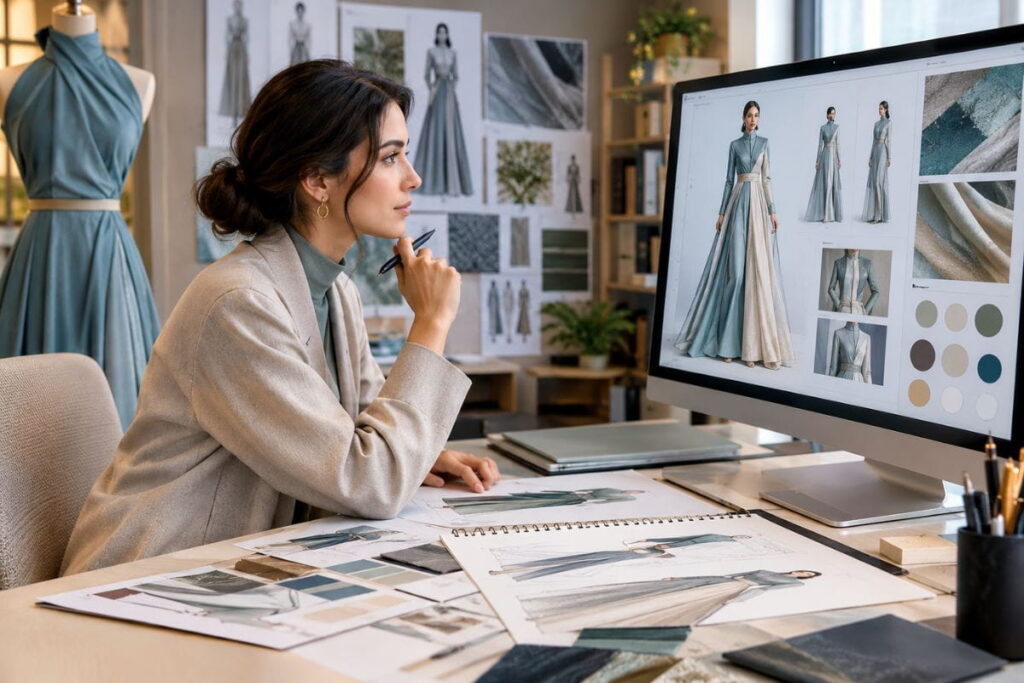
AI fashion design prompts have changed the slowest part of starting a clothing brand: getting the picture in your head onto a page that a factory can actually understand. A few years ago, that meant weeks of Pinterest boards, rough sketches, back-and-forth with a freelance pattern maker, and a lot of money spent on samples that missed the mark. Today you can type a clear brief, upload a couple of reference photos, and see a believable dress in under a minute.
But here is the part nobody tells beginners. The tool is not the secret. The prompt is. Two people can open the same AI image generator on the same day and get completely different results, simply because one of them described the garment properly and the other typed “pretty blue dress.” This guide walks you through seven practical hacks, built around a real workflow: take two very different inspiration images, combine them into one new dress, refine it, and then turn it into a tech pack you could send to a manufacturer.
I have written this for fashion founders, students, freelance designers and anyone who keeps a folder of saved looks they never quite know what to do with. Every hack has a “how to apply it” section, so you can try it the same day. If you want ready-made starting points, you can also browse our full library of AI fashion prompts or grab the free AI fashion prompts PDF.
What Are AI Fashion Design Prompts?
AI fashion design prompts are written instructions you give an image generation tool so that it produces a garment concept the way you imagine it. A good one describes the silhouette, neckline, fabric, colour, construction details, mood and, if you want a photographic result, the lighting and camera angle. A weak one describes only a vague feeling.
Think of it the way you would brief a human designer. If you walked into a studio and said “make me something elegant,” you would get a shrug. If you said “a halterneck dress with a structured corset waist and a long, flowing chiffon skirt in aqua blue,” you would get a sketch within the hour. The AI behaves in the same way. It fills gaps with guesses, and guesses rarely match your taste.
Why designers are paying attention to AI fashion design prompts
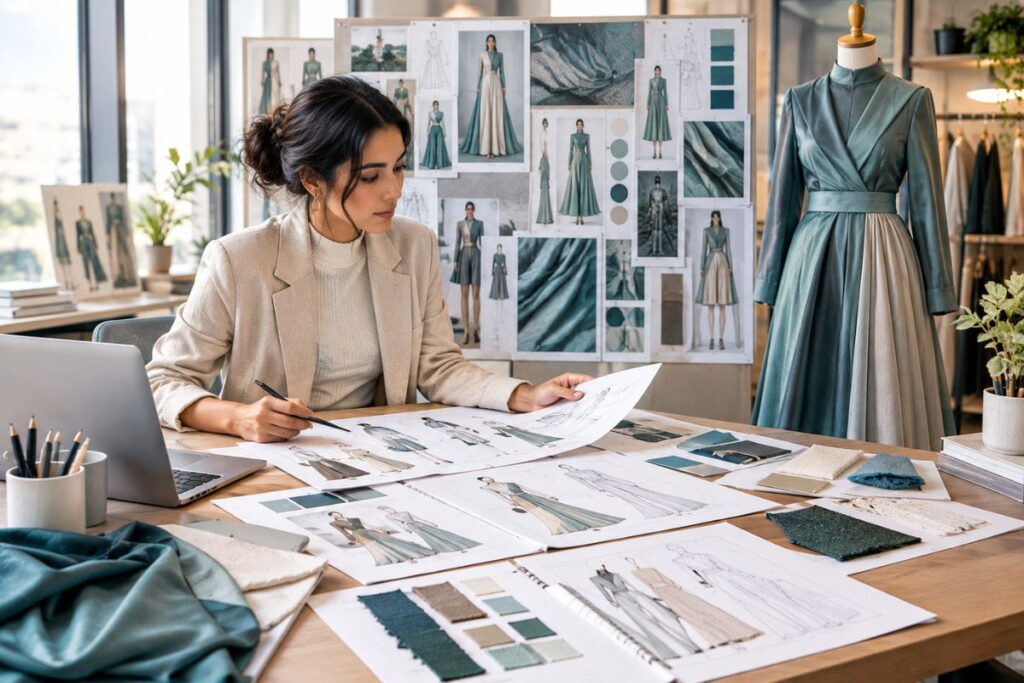
Fashion is a visual business, and the early stage of any collection is mostly about visual decisions. Which neckline? How much volume in the skirt? Satin or chiffon? Traditionally each of those questions costs time or money to answer. With well-written AI fashion design prompts, you can test ten answers in an afternoon and keep only the ones that survive.
That does not replace a pattern maker, a sample room or a factory. It shortens the distance between “I have an idea” and “I have something concrete enough to discuss with a professional.” For new founders, that gap is where most projects quietly die.
AI fashion design prompts versus tools
People often mix up the two. The tool is the software that generates the image, such as Midjourney, DALL·E or a fashion-specific platform. The prompt is what you type or the references you upload. Tools change every few months. The skill of describing clothing clearly stays useful no matter which platform you move to, which is why it is worth learning properly.
Hack 1: Combine Two Inspiration Images Instead of Copying One
The fastest way to end up with a boring design is to ask the AI to reproduce a single photo. The fastest way to end up with something fresh is to take the best part of one reference and the best part of another, and ask the tool to merge them into a new product.
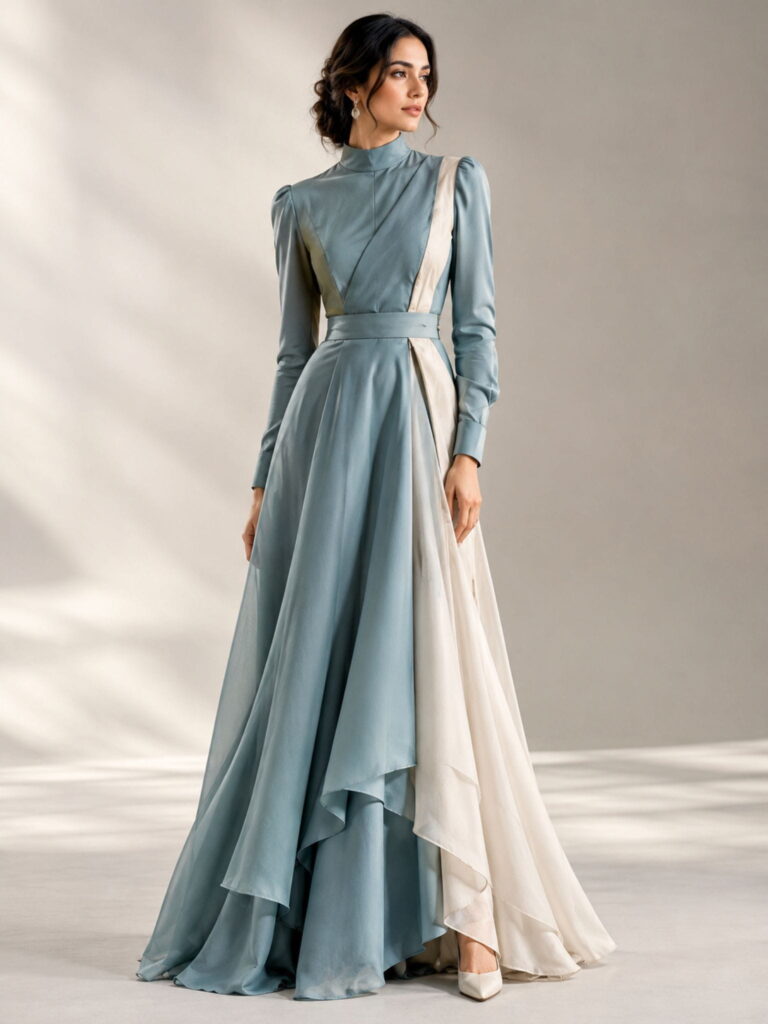
Here is a realistic example. Image one is a structured corset top with a halterneck neckline and plenty of boning and seam detail around the waist. Image two is a soft, flowing skirt with lots of movement, the kind of effortless piece you would pack for a beach holiday. On their own they are two unrelated products. Together they suggest a dress that is sharp on top and fluid below, and that is a genuinely new idea.
How to Apply It
- Pick references that contrast. One structured and one flowing. One minimal and one embellished. The tension between them is where originality comes from.
- Decide what you want from each image before you upload. Write it down: “neckline and bodice from image one, skirt shape and movement from image two.”
- Put both images on one mood board if your tool supports it, and state the combination in words as well. Never rely on the images alone.
- Keep creative control. Tell the tool you want a new product, not a replica. This also keeps you on the right side of other designers’ work.
Using this approach inside your AI fashion design prompts means you stay the creative director. The AI is the assistant who sketches fast, not the person who decides what the collection stands for. If you want to see how reference-driven prompts look in a more editorial setting, our collection of editorial fashion AI prompts shows how much detail a polished brief can carry.
Hack 2: Write AI Fashion Design Prompts Like a Design Brief
Once your references are chosen, the words matter more than anything. A prompt that reads like a design brief will outperform a poetic one almost every time. Be specific about parts of the garment, not just the overall vibe.
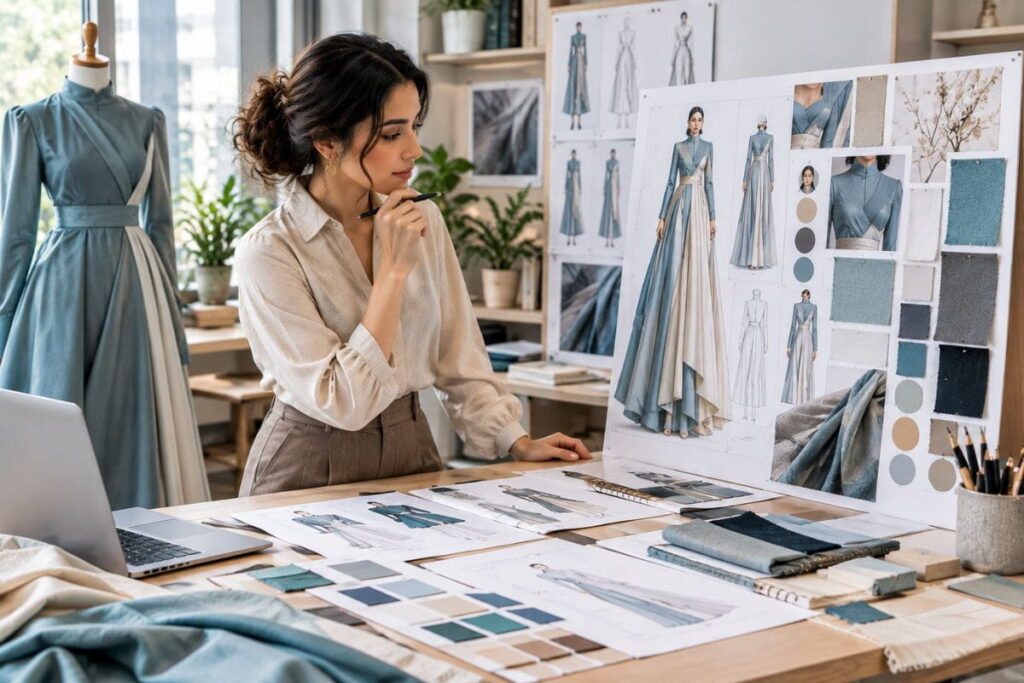
A strong brief for the dress above could read: “Combine the structured, corset-inspired bodice from the first reference with the flowing asymmetric skirt silhouette from the second. Halterneck neckline, fitted waist, chiffon skirt, aqua blue.” That is two sentences, and it tells the tool the neckline, the waist treatment, the skirt shape, the fabric and the color.
How to Apply It
Use this simple checklist every time you write one of your AI fashion design prompts:
- Garment type: dress, jumpsuit, coat, co-ord set.
- Silhouette: fitted, A-line, asymmetric, oversized, column.
- Neckline and sleeves: halter, square, sweetheart, strapless, cap sleeve.
- Waist and structure: corset, drop waist, empire, cinched.
- Fabric: chiffon, satin, crepe, denim, tweed. Search for a few luxury fabric AI prompts if you need vocabulary beyond the basics.
- Colour: a name plus a mood, such as “aqua blue, slightly muted.”
- Length: mini, midi, floor-length.
- Mood or occasion: resort evening, bridal guest, streetwear drop.
You do not need to cram all eight into every prompt, but the more you include, the fewer guesses the AI has to make. If the result looks wrong, the cause is usually something you left out, not something the tool misunderstood.
A note on tone
Avoid stacking adjectives like “stunning, beautiful, gorgeous, amazing.” They sound enthusiastic but give the model nothing to work with. Replace them with nouns and constructions: “boned bodice,” “bias-cut skirt,” “French seams.” Concrete words produce concrete images.
Hack 3: Edit in Small Steps Instead of Rewriting Everything
The first result is rarely the final one, and that is completely normal. Many beginners make the mistake of deleting their whole prompt and starting again. A better habit is to keep what is working and change one thing at a time. The best AI fashion design prompts are built through iteration, not written perfectly on the first attempt.
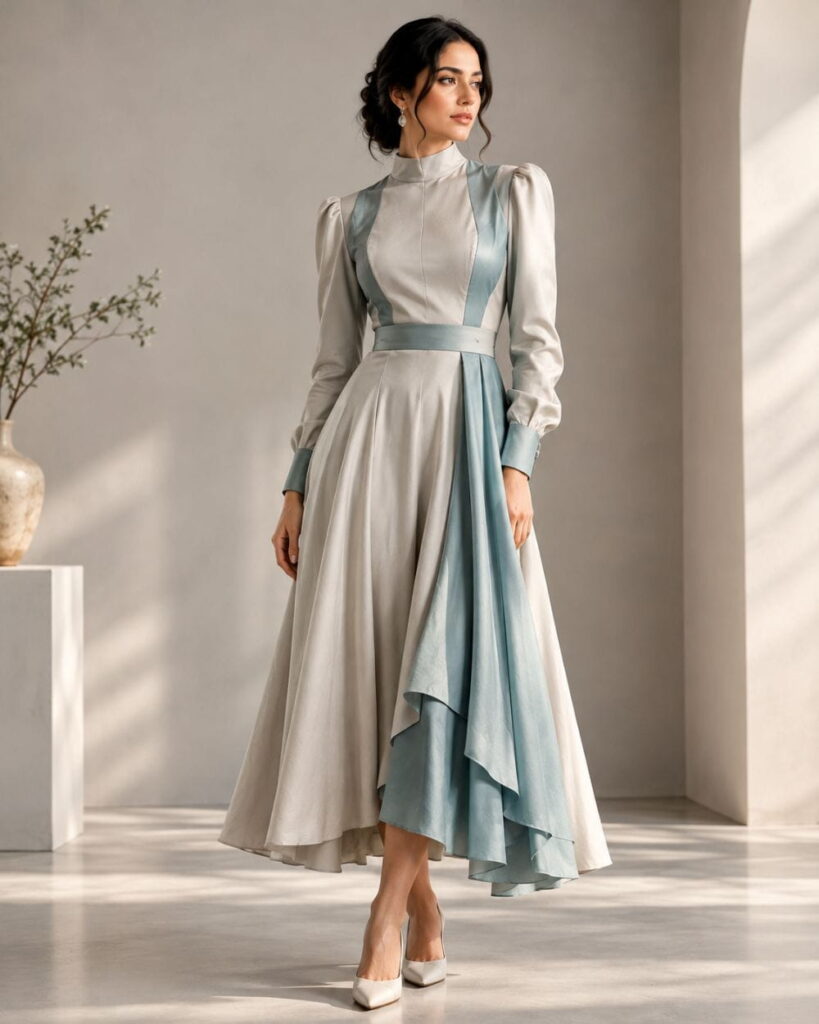
In the workflow this article is based on, the first generated dress had the right overall shape but included two lace-up panels on the sides of the bodice that the designer did not want. Instead of rebuilding the brief, a single follow-up request was enough: remove the lace-up panels at the bottom of the bodice. The next version matched the original idea much more closely.
How to Apply It
- Look at the first result honestly. Write down what is right and what is wrong. Do not just say “it looks off.”
- Change one variable per round. Neckline, then skirt length, then fabric. If you change three things, you will not know which one helped.
- Use short instructions. “Remove the side lacing.” “Make the skirt more asymmetric.” “Shorten the hem to midi.”
- Save versions that you like, even if they are not perfect. You can combine ideas later.
- Stop when it is close, not perfect. The sample room will fix the last ten percent.
Think of editing as a conversation. The tool is quick but literal, and your job is to steer it. People who treat AI fashion design prompts as a one-shot lottery are usually disappointed. People who treat them as a back-and-forth are usually delighted by round three.
Hack 4: Generate Every View Before You Judge the Design
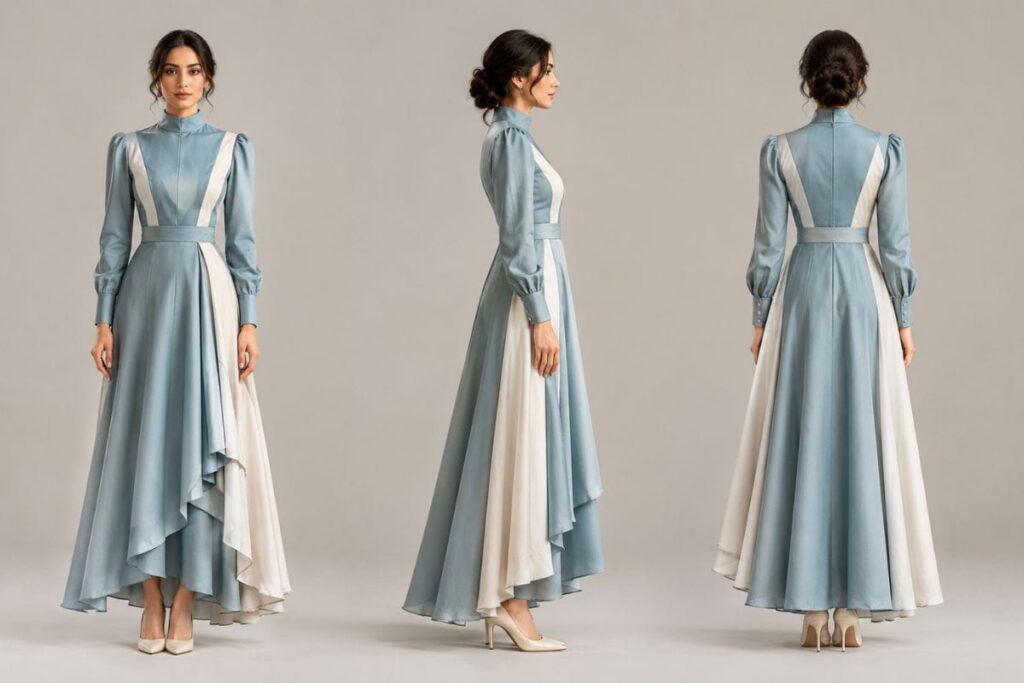
A dress that looks good from the front can fall apart at the back. A beautiful bodice might need a zip you never planned for, and the side profile might reveal a silhouette you do not like. This is why it is worth generating front, back and side views before you decide the design is finished.
In the example workflow, the tool produced all three views and also placed an invisible zip at the back, which is exactly what a real dress of that style would need. That kind of practical detail is easy to forget when you are focused on how the dress looks on a mood board. Good AI fashion design prompts ask for all the views early, so surprises show up before money is spent.
How to Apply It
- Approve the front view first. Do not generate extra views until the main look is right, or you will waste time.
- Request back and side views and compare them with the front. Is the structure consistent? Are the seams in logical places?
- Check closures. Zips, buttons, hooks and ties should appear somewhere sensible.
- Zoom into details. Closeups of the neckline, waist and fastenings will tell you whether the construction makes sense.
- Ask yourself whether you could actually sew this. If a detail seems impossible, simplify it before it reaches a factory.
If you plan to share these images on social media or in a portfolio, our guide to AI fashion photoshoot prompts shows how to move from a plain product view to a styled campaign shot.
Hack 5: Let AI Draft the Specs, Then Check Them Yourself
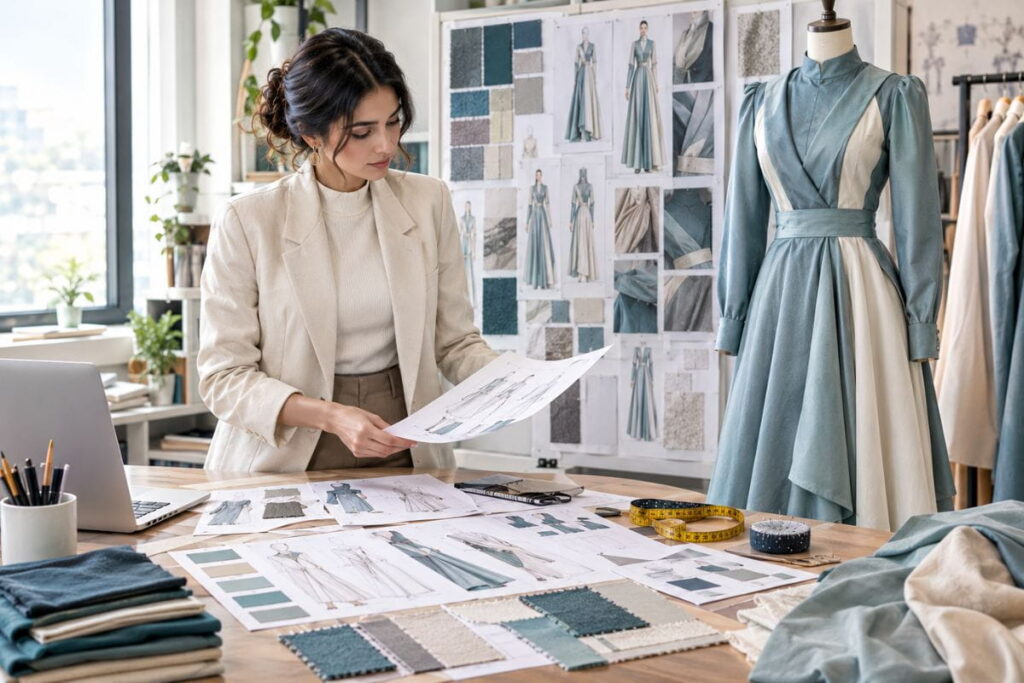
This is where fashion-specific tools earn their keep once your AI fashion design prompts have produced an approved look. Once a design is approved, platforms such as Genpire can suggest fabrics, linings, interfacing, thread types and even a set of measurements, based on the image and your brief. For someone who has never written a spec sheet, that is a huge head start.
Be careful, though. A draft is a draft. The AI may suggest a sensible fabric weight or a believable bust measurement, but it has no idea about your target customer, your size chart or the stretch of the specific fabric your factory stocks. Treat every number as a suggestion to be verified, not a fact.
How to Apply It
- Review the suggested materials against similar garments on the market. Pick up two or three comparable dresses in a shop and look at the labels.
- Change what does not suit you. In the example, the designer swapped a silk lining for polyester because that was a more realistic choice for the price point.
- Check the measurements with a tape. Lay a similar garment flat and compare it with the AI’s numbers for bust, waist, hem and length.
- Edit the annotations. If the dress length says 120 cm and you want 125 cm, change it in the document before it goes out.
- Ask your factory for their size chart and fit notes. They know their patterns better than any software does.
Measurement tables are the tedious part of any tech pack, and many founders dread them. Letting software produce a first pass can save hours, but those hours only count if you spend ten minutes checking the result.
Hack 6: Lock Down Colour and Fabric Before You Send Anything
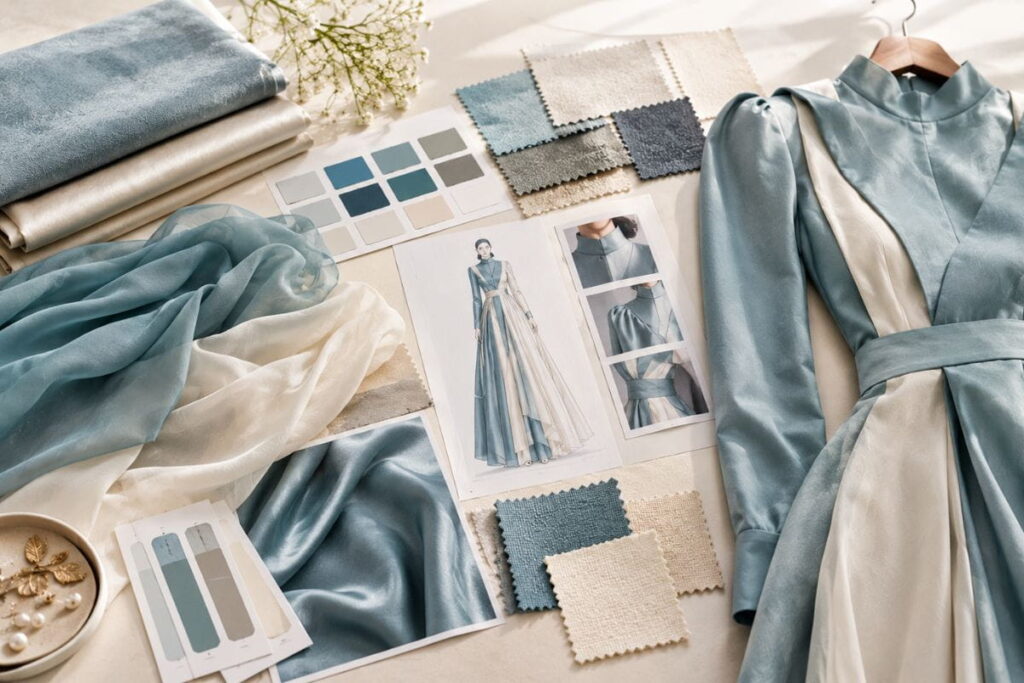
Colour is one of the most common sources of disappointment between a designer and a factory. “Aqua blue” on your screen is not the same as “aqua blue” on a roll of chiffon. The industry solves this with reference systems, the best known being Pantone. A Pantone code is a shared language: you and the factory can both look up the same number and know you mean the same shade.
Fabric has the same problem. Chiffon and satin each come in a range of weights and finishes, and the words alone do not tell a factory what you want. A small swatch in the post is worth more than a paragraph of description, even when your AI fashion design prompts were detailed.
How to Apply It
- Find the Pantone code that matches your colour. If your tool lets you upload a screenshot, use it as a starting point, but do not assume the match is exact. Double-check it yourself.
- Ask for a colour card. For a fabric like chiffon, factories usually have a card showing every shade they can dye. Pick from that, because it is the colour they can actually produce.
- Describe the finish. Matte, glossy, satin-like or crinkled. In the example dress, the skirt is a matte chiffon while the bodice is a shinier satin, and that difference was noted in the spec.
- Request swatches for both the main fabric and any contrast fabric before approving a sample.
- Keep your colour names consistent across every document. If it is “aqua blue” in one place, do not call it “turquoise” in another.
If your designs lean on rich textures, our collections of luxury runway AI prompts and vintage fashion AI prompts give you plenty of language for describing fabric behaviour and finish.
Hack 7: Turn Your AI Fashion Design Prompts into a Real Tech Pack
This is the step that separates a pretty picture from a product. A tech pack is the document a manufacturer uses to understand exactly what to make. It usually includes flat sketches, measurements, a bill of materials, colourways, construction notes, labels and sometimes costing.
Many beginners send a factory a glossy render and hope for the best. That almost never works. A render shows mood. A flat sketch shows construction. The factory needs the second one.
How to Apply It
- Generate flat sketches for the front and back. A flat is a simple, line-drawing view with no model and no styling, so every seam is visible.
- Add measurements and annotations. Mark the key points of measure: bust, waist, hip, shoulder width, length. Many tools can label these on the sketch automatically.
- List every material. Main fabric, lining, interfacing, thread, zip, buttons. That list is your bill of materials.
- Add component images. Pictures of the zip, the fastenings and the bodice fabric remove any guesswork.
- Include closeups. Show how you want the neckline, waist and closures finished.
- Add labels and hang tags. You can generate a draft, upload your own, and include care instructions. Your factory will confirm the final care wording.
- Choose what to send. For a first sample, you usually only need overview, measurements, bill of materials, colourways, construction and labels. Costing and production approvals can wait.
The point is not to hand the whole job to software. It is to use it as a fast first draft, then review each section with your own eyes. A tech pack that took half a day by hand can now take under an hour, and that time goes back into design decisions. If you want to explore our wider range of resources, the Fashion Prompt AI blog covers more workflows like this one.
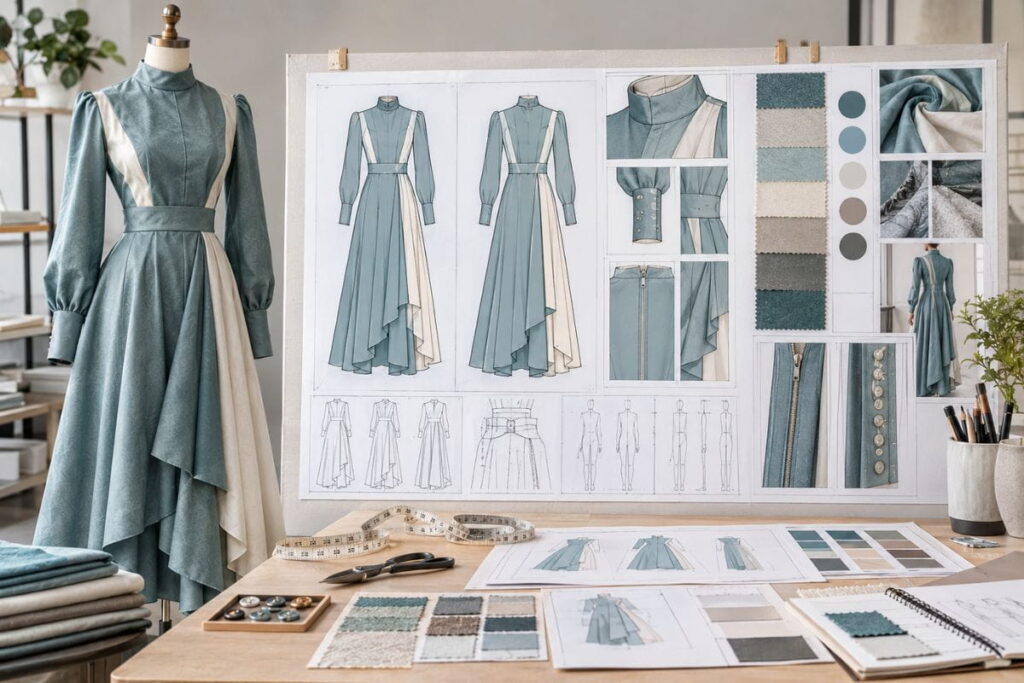
What a first-sample tech pack should include
| Section | What it contains | Needed for first sample? |
| Overview | Style name, category, description, front and back flats | Yes |
| Measurements | Points of measure with sizes | Yes |
| Bill of materials | Fabrics, trims, hardware, thread | Yes |
| Colourways | Colour names and Pantone references | Yes |
| Construction | Stitching, seams, finishing details | Yes |
| Labels and artwork | Brand label, hang tag, print files | Yes |
| Costing | Target price breakdown | Optional |
| Production approvals | Marker, consumption, sign-offs | Later |
Why AI Fashion Design Prompts Still Need Human Taste
It is tempting to believe that once you learn the right wording, the machine does the designing for you. In practice, AI fashion design prompts only amplify whatever taste you bring to them. If you know why a bias-cut skirt moves differently from a gathered one, your prompts will be sharper and your results will be better. If you do not, the tool will still produce something polished, but it will look like everyone else’s work.
That is why the most successful designers treat AI fashion design prompts as a sketching assistant rather than a replacement for their own eye. They collect references constantly, they study how garments are cut and finished, and they use the tool to try variations faster than pencil and paper ever allowed. The idea, the point of view and the final decision still belong to a person.
Build a personal prompt library
Every time one of your AI fashion design prompts gives you a result you love, save it. Note the garment, the fabric words you used, the colour name and the follow-up edits that fixed the details. After a month you will have a small library of phrases that reliably work for your style. That library becomes a quiet competitive advantage, because it is trained on your taste instead of the internet’s average.
Keep a reference folder as well
Pair that library with a folder of real photographs: details of seams, hems, drape, trims and finishes you admire. When you write new AI fashion design prompts, glance at the folder first. You will describe construction more precisely, and the AI will respond with more convincing detail. It is a simple habit, and it makes a visible difference within a week.
Know when to stop prompting and start sampling
There is a point where another round of AI fashion design prompts stops adding value. If the silhouette, fabric and details feel right, move on to flats, measurements and a sample. A physical garment will teach you things no screen can: how the fabric hangs, how the zip feels, whether the waist sits where you expect it to. Use the prompts to get close, then let the real world finish the job.
Example AI Fashion Design Prompts You Can Copy
Here are a few starting points. Treat them as templates, not magic spells. Change the garment, fabric and colour to suit your own taste, and always add your reference images where your tool supports them.
Prompt 1: Structured meets flowing
“Combine the structured, corset-style bodice from reference one with the flowing asymmetric skirt from reference two. Halterneck neckline, fitted waist with visible seam detail, floor-length chiffon skirt, aqua blue, soft studio lighting, full-length product view on a plain background.”
Prompt 2: Streetwear twist
“Oversized cropped bomber jacket in washed olive nylon with contrast orange lining, paired with wide-leg cargo trousers, urban rooftop at dusk, editorial street photography, 35mm lens look.” For more in this direction, see our streetwear AI prompts.
Prompt 3: Ethnic and saree inspired
“Contemporary pre-draped saree gown in deep emerald silk with gold zari border, structured shoulder, clean modern silhouette, soft natural light, full-length fashion catalogue view.” If this is your area, our saree and ethnic AI prompts go much deeper.
Prompt 4: Menswear tailoring
“Double-breasted charcoal wool blazer with soft shoulder, tapered trousers, cream knit polo underneath, minimal studio backdrop, crisp lookbook styling.” More options live in our menswear AI prompts.
Prompt 5: Women’s everyday wear
“Relaxed linen shirt dress in sand beige with button front, belted waist, midi length, sunlit courtyard, natural editorial photo.” Browse the women’s fashion AI prompts page for similar ideas.
You will notice that every one of these AI fashion design prompts names a garment, a fabric, a colour and a setting. That is the pattern worth memorising. If you would rather skip the writing, our prompt store has ready-to-use packs, and the Midjourney fashion prompts collection is a good place to begin if that is your tool of choice.
Common Mistakes to Avoid
After watching many people get started, the same mistakes show up again and again. Avoiding them will save you a lot of frustration when you work with AI fashion design prompts.
Trusting the first result
The first image is a draft. Treat it as a conversation starter and keep refining. Founders who stop at round one usually end up with a design that is “fine,” while those who go to round four end up with something they are proud of.
Skipping the flat sketch
A render is not a technical drawing. If a factory has to guess where a seam goes, it will guess, and you will pay for that guess in sample fees. Always include flats.
Ignoring real-world fabric behaviour
AI can render a skirt that floats like it is underwater. Real chiffon does float, but a heavy crepe will not. Match the fabric you name to the movement you want, and ask your supplier for swatches before you commit.
Copying someone else’s design
Using reference images for inspiration is normal in fashion. Asking a tool to reproduce a specific designer’s piece is not. Combine, adapt and add your own ideas. It makes your work better and keeps you out of trouble.
Forgetting the people who will wear it
Pretty images do not account for fit. Check the size chart, think about movement, and test a sample on a real person before you place a larger order.
Writing vague prompts
Vague AI fashion design prompts waste everyone’s time. “Elegant evening dress” is almost useless. “Fitted satin evening dress with a boat neckline, open back and floor-length column skirt in deep burgundy” is a brief. Always aim for the second kind when you write AI fashion design prompts.
Frequently Asked Questions About AI Fashion Design Prompts
What are AI fashion design prompts?
They are written instructions, often paired with reference images, that tell an AI image generator what garment to create. A good prompt describes the silhouette, fabric, colour, construction details and mood so the result is close to your idea.
Can AI really create a dress a factory can make?
AI can create a convincing concept and, with the right tools, a flat sketch and a draft tech pack. It cannot replace a pattern maker or a sample. Think of it as a very fast first draft that a professional will refine.
Which tool is best for AI fashion design prompts?
It depends on your goal, because AI fashion design prompts behave a little differently in each tool. General image tools such as Midjourney and DALL·E are great for inspiration and campaign visuals. Fashion-specific platforms such as Genpire are built to produce flats, measurements and tech packs. Many designers use one of each.
How long should AI fashion design prompts be?
Effective AI fashion design prompts are long enough to cover garment type, silhouette, fabric, colour and mood, which is usually two to four sentences. Very long prompts can confuse a model, so focus on the details that matter most.
Do I still need a tech pack if I use AI fashion design prompts?
Yes. A tech pack is how a manufacturer understands your garment. AI can speed up the drafting, but you still need to check measurements, materials and construction notes before sending it out.
Is it legal to use designs from AI fashion design prompts for my brand?
Rules on AI-generated work vary by country and are still evolving, so check local regulations and the terms of the tool you use. Avoid copying any existing designer’s work, and consider speaking with an intellectual property lawyer before launching a collection. This is general information, not legal advice.
Where can I find ready-made prompts?
If you want proven AI fashion design prompts without starting from zero, you can start with the free pack on our site, or browse the AI fashion prompts FAQ for more answers to common questions.
Final Thoughts
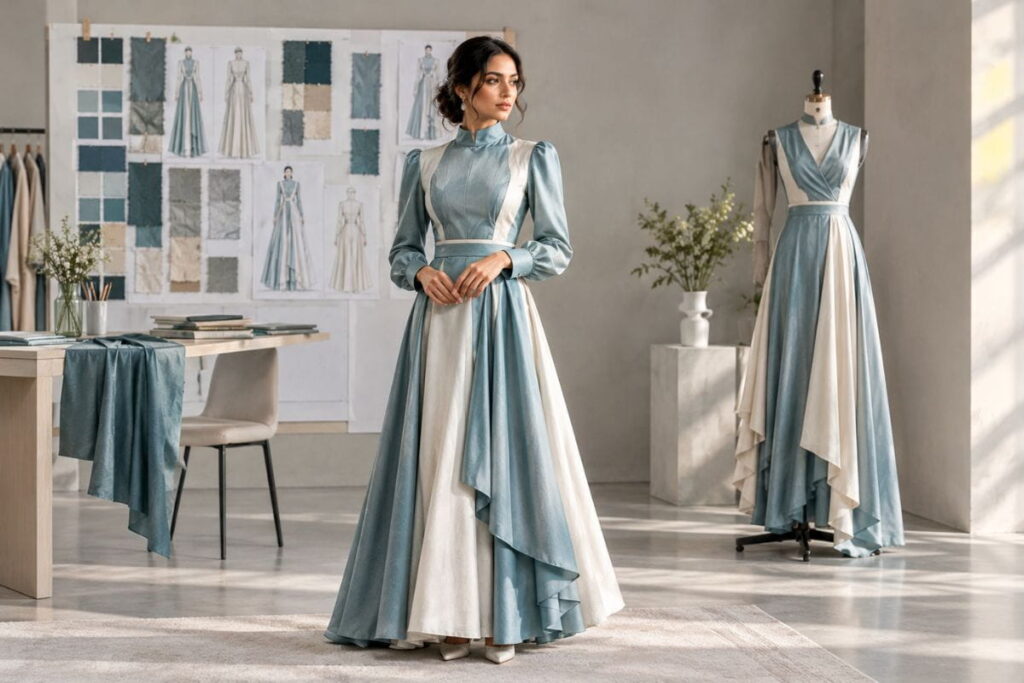
The biggest hurdle for most new founders is not talent or taste. It is the awkward gap between a mood board and a manufacturer. Well-written AI fashion design prompts close a large part of that gap. They help you test ideas quickly, they give you something concrete to discuss with a factory, and they let you spend your budget on real samples instead of guesswork.
To recap the seven hacks: combine two contrasting references, write like you are briefing a designer, edit in small steps, check every view, verify the specs the software drafts, lock down colour and fabric, and finish with a proper tech pack. None of these steps is complicated. Together they turn a casual experiment into a repeatable process, and that process is what makes AI fashion design prompts worth learning.
Start small. Pick two images you love, write a clear brief, and see what comes back. Then keep refining until the dress on the screen matches the one in your head. When you are ready for more, explore our premium prompt packs and the free download, and keep practising your AI fashion design prompts until they feel as natural as sketching. The more you use AI fashion design prompts with intention, the less you will need to rely on luck.